
.webp)
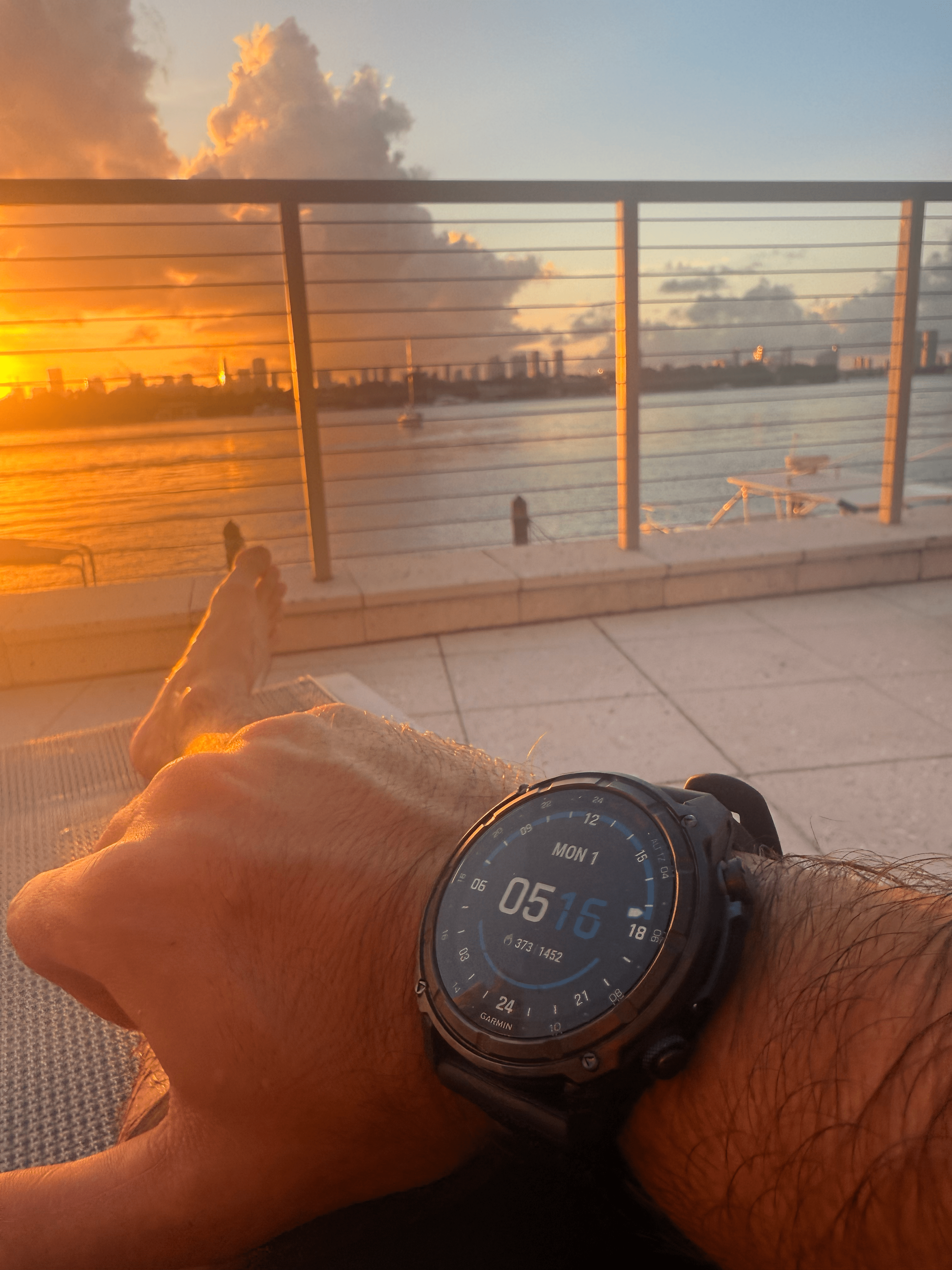
For the past 90 days, I’ve used the Garmin Descent MK3i not only as my primary diving computer but also as an everyday smartwatch.
It's far exceeded my expectations in both environments: underwater & land.
Underwater it's done everything I want it to: Detailed GPS dive logging, clear NDL and ascent rate display, safety stop tracking, and one of the best screens I've used on a dive computer.
But the reason I haven't taken it off since is what it does above water: health tracking, GPS, body battery, sleep monitoring, and more.
After 50+ dives and 90 days on my wrist, here's everything I love about it and a few things I don't like.
A Few Disclaimers
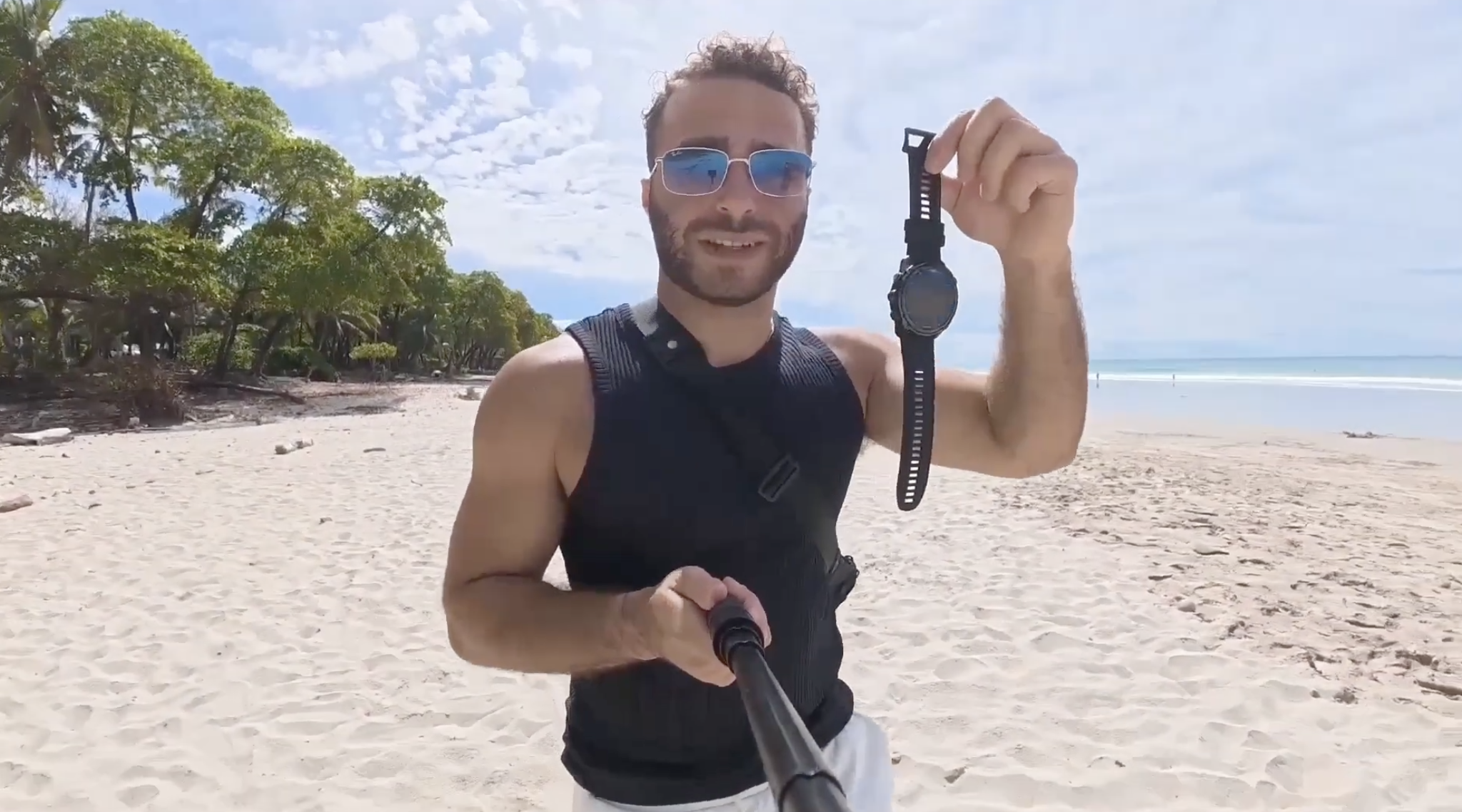
Garmin sent me the MK3i for testing and I get to keep it.
No payment was exchanged and no instruction was given on what to say. This is my honest experience with the dive computer.
I've used this computer for open circuit recreational diving & freediving.
I haven't tested it in rebreather or tech diving, but I will update this review when I do.
My previous dive computers were the Shearwater Teric and Shearwater Peregrine TX, both of which I used for a year each.
Where relevant, I'll draw comparisons throughout this review.
Quick Specs
| Display | AMOLED touchscreen, 43mm or 51mm |
| Depth Rating | 100m / 330ft |
| Diving Modes | Single gas, multi-gas, apnea, CCR, gauge |
| Decompression Algorithm | Bühlmann ZHL-16c with gradient factors |
| Air Integration | Yes, requires Descent T2 transceiver (~$400) |
| Diver Messaging | Yes, SubWave sonar, up to 30m range |
| Battery Life | ~25 days smartwatch / 48 hrs dive mode |
| Charging | USB-C clamp connector |
| Flashlight | Yes, 51mm model only (4 levels + red light) |
| Price | From ~$999 (43mm) / ~$1,299 (51mm) |
How It Performs Underwater
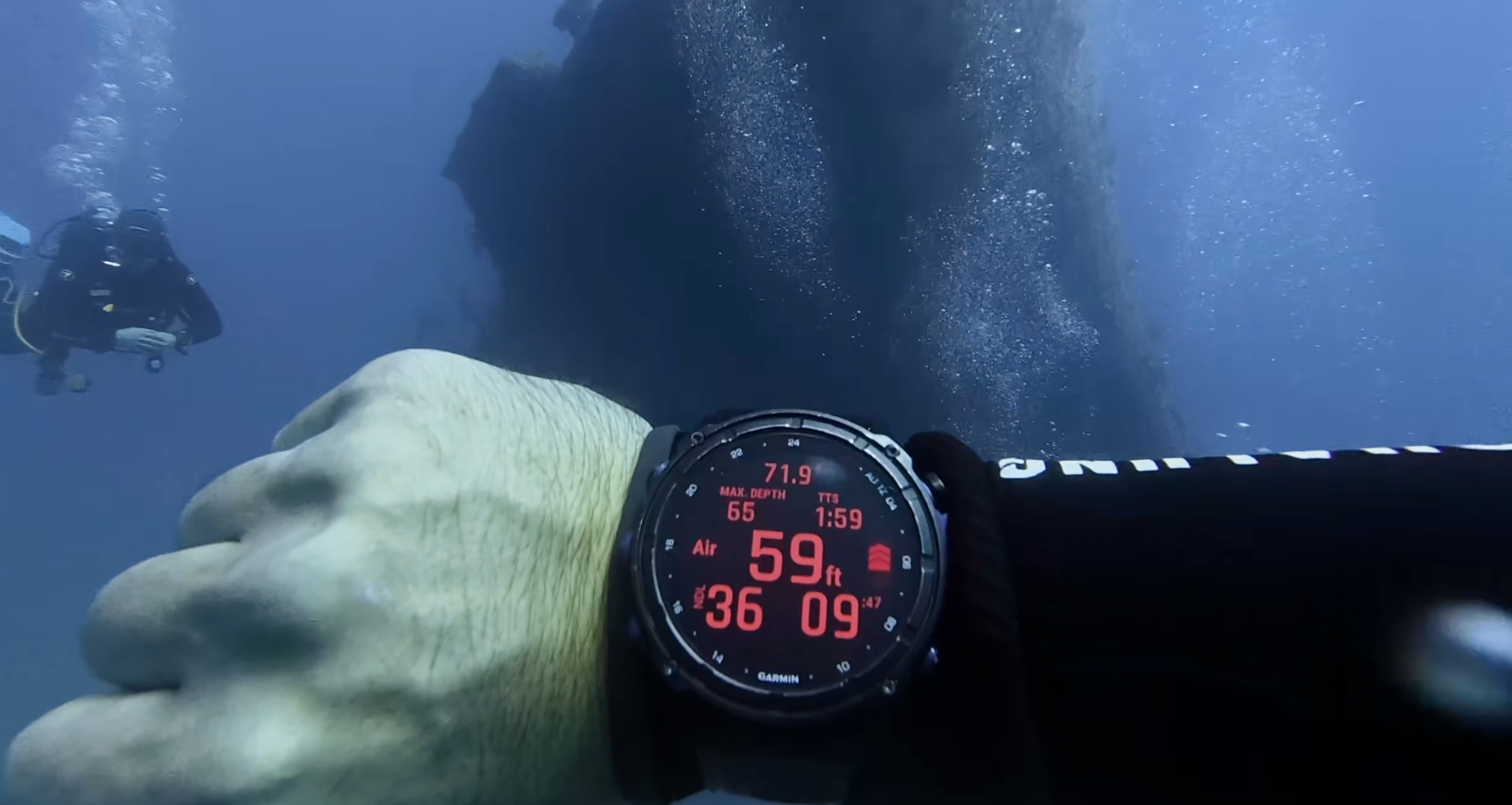
The Garmin Descent MK3i easily tracks depth, NDLs, ascent rate, and safety stops. But so does a $300 computer.
Where it stands out is everything else: the AMOLED display, battery life, air integration, digital compass, and GPS dive logging.
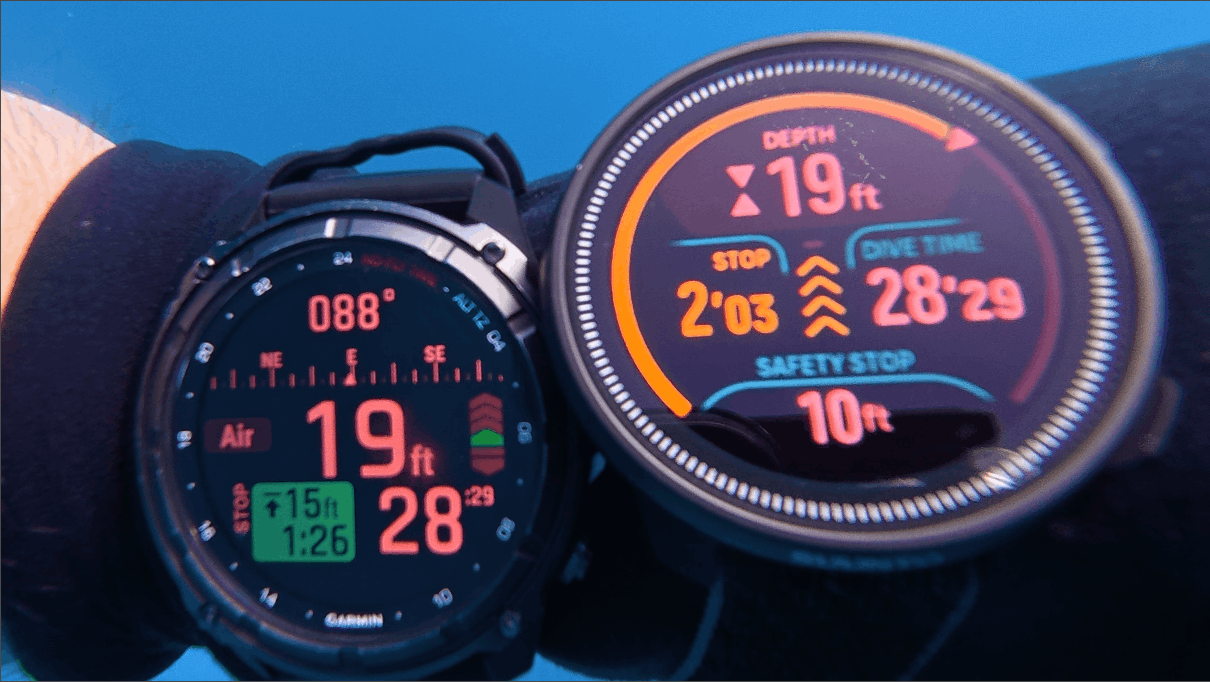
On the display specifically, the screen is the clearest I've used underwater. Large, color-coded numbers readable at a glance even in low visibility.
Ascent rate sits in the top right with red bar indicators, and haptic vibration fires if you're climbing too fast.
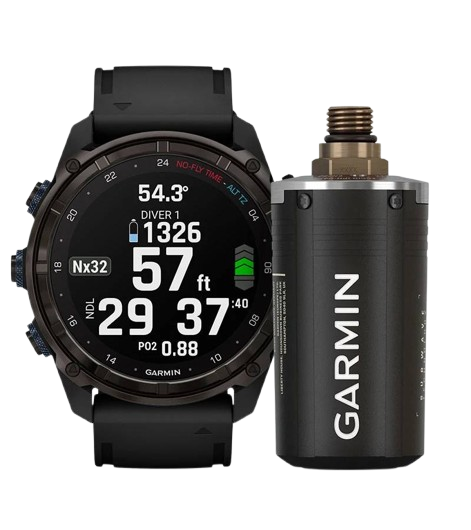
Once paired, your tank pressure and air time remaining display directly on the watch.
I don't currently own the T2 Transceiver but it's the next addition to my setup. I've used this feature on the Shearwater Peregrine and it's a game changer.
5 Features I Use The Most
Next, I want to start off by covering the features I actually find myself using the most on the Garmin Descent MK3i.
I don't currently own the air transmitter for this computer, but I'm confident that would be a top five most used feature.
#1: Underwater Compass
.png)
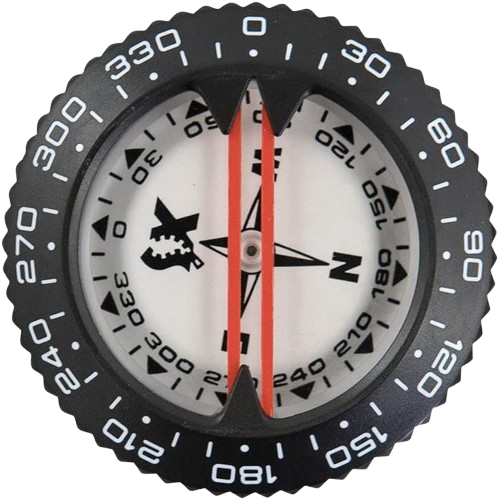
The MK3i has a 3-axis digital compass that displays directly on the dive screen.
I do a lot of shore diving on Florida's East Coast where knowing whether you're heading toward or away from shore without surfacing is a big help.
I used analog compasses for years and there's no going back. The digital display is faster to read, easier to reference mid-dive, and always oriented correctly regardless of wrist angle.
This isn't something new to me as the previous computers I used (Teric & Peregrine TX) both had this feature.
#2: GPS Dive Logging
.png)
To tell you the truth, I have no idea how many dives I've done in my life.
For my first ~100 dives or so, many of them were rental computers.
From there, I used two loaner Shearwater computers.
I'd like to think the Descent MK3i will be the last dive computer I use for a very long time, and from there, I'll have every dive counted along with the location and dive profile saved.
.png)
I do a lot of diving with charters or on my friends boats in Florida, so the ability to save my favorite spots coordinates automatically and share them with you all is great.
#3: Step Counter & Heart Rate Monitoring
.png)
I'm not the type of person that goes out of their way to specifically hit 10,000 steps a day, but it's useful to know how much you moved in a given day, and how your body reacts.
I used to rely on my iPhone for this number, but the phone is not always with you (nor do I want it to be!) making it inaccurate.
On a similar note, the heart rate monitoring feature is extremely interesting. Knowing what events cause your heart rate to rise and fall is useful information.
It's also calculated my resting heart rate for me (54!), a simple indicator of your overall heart health.
#4: Body Battery & Sleep Tracking

Garmin watches have a feature called "Body Battery."
Body Battery measures heart rate variability, stress levels, sleep, and activity data to estimate your energy level, displayed as a score from 0 to 100.
It charges during rest and sleep and depletes with physical and mental stress.
Pictured above is what Garmin claimed my dive readiness score was, the day after I went diving with the flu (don't recommend).
This was the worst my body felt in years, and it's crazy to see how my computer was able to detect this!
I would always listen to my body over a device, but for those not as in touch with their body, Garmin's Dive Readiness feature could be useful for you!
#5: Alarm Clock
.png)
I don’t like waking up to sound (PTSD from school haha), I prefer vibration as a much more peaceful way to start the day.
I also don’t like to go straight for my phone alarm clock first thing in the morning, as it’s easy to get trapped into viewing notifications as you wake.
The Garmin Descent MK3i's alarm clock feature has been an amazing solution to this problem.
A button press turns off the alarm, allowing you to wake up on your own terms.
3 Things I Don't Like
It's clear I love this watch, but I want to be 100% transparent and critical about potential issues for those looking to purchase the Descent MK3i.
Band Chaffing

Within a couple days of wearing the computer, my skin had become irritated, especially where the size selecting buckle and pin is. It could be I wore this too tight initially.
Nothing I can't handle.
Garmin sells multiple band types and I'm sure there's after market options available as well.
Price Point
As mentioned above, Garmin sent me a 51mm for testing and content creation, so I didn't have to pay the cost, but I understand for all of you, this computer is not cheap, and a major purchasing decision. You can view the current price here.
If there's any question you have about it before purchasing drop a comment and I'll help you out.
Complexity of the Device
The Garmin Descent MK3i is the most powerful dive computer I've used by far, and I've only scratched the surface of what it's capable of.
However, with all of that power comes extreme complexity.
Even after 2+ months of use, I find myself not instantly remembering how to access specific menus.
Functionality is also gated behind multiple smart phone apps being Garmin Connect and Garmin Dive.
First World Problems. I know.
How to Navigate the Device
I’m generally not a fan of dive computers with lots of buttons, but given the sheer amount of functionality this dive computer offers, it’s necessary.
- 3 buttons on the left side - Light, Menu Up, Down
- 2 buttons on the right side - Start//Stop and Back//Lap
The device is also touchscreen.
Light - This turns the display on and off. When you tilt your wrist, the display turns on automatically.
Menu - Up - This will open up a menu if it’s not already open. It also allows you to move up through a menu.
Down - This will move down screens on a device
Start Stop - From the watch face, selecting this seems to open up the “Activities” panel
Back/Lap - From the watch face, this doesn’t do anything, but if you’re inside a menu, this will back you out.
Battery & Charging
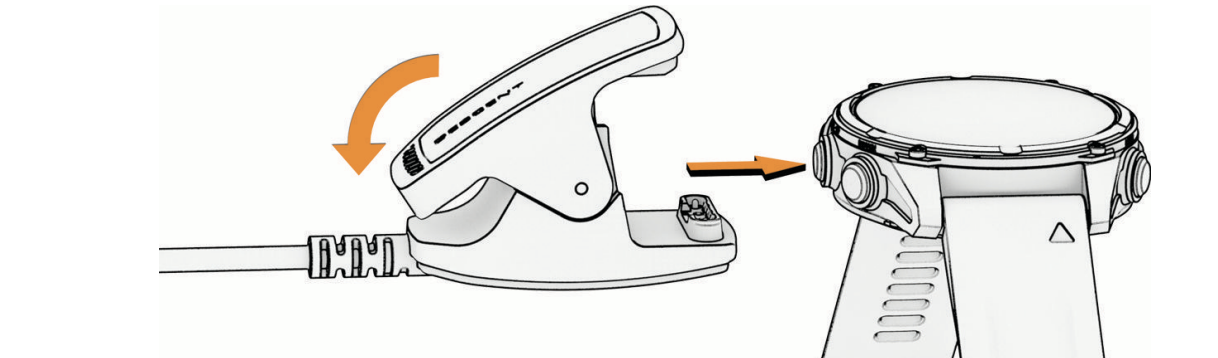
The battery life of the Descent MK3i has been the best out of any dive computer I’ve used so far.
I’ve worn the computer 24/7 for over two months now, taken it on 20 dives, and have charged it three times.
That’s extremely impressive.
The charging system is also really great. It's a USBC based clamping system that locks in tight around the computer.
It also charges extremely fast. Next time I empty the computers battery, I'll time how long it takes to get to full and report back.
Flashlight
.png)
The 51mm variant comes with a built in flashlight with 4 levels of intensity as well as a red light.
I mostly find myself using this in night time environments where I’m trying to locate something or walk to the bathroom and dont want to turn the lights on.
It’s pretty potent as a flashlight for its size.
However, it's not something I'd solely rely on underwater.
Dive Log
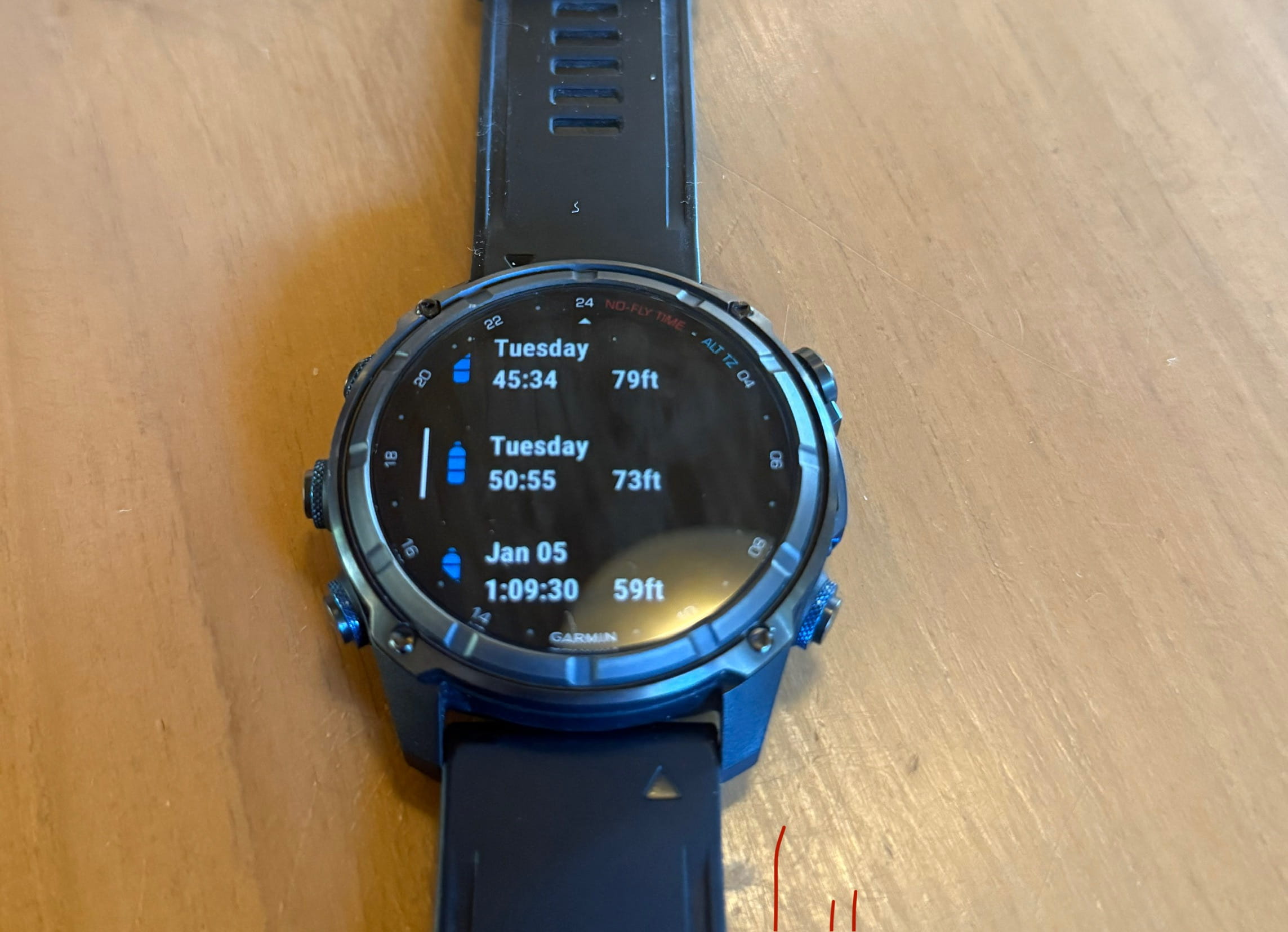
The Garmin Descent MK3i has a built in dive log feature that counts your dives and logging key information like:
- Dive Date
- Dive Duration
- Dive Depth & Temperature
- Heart Rate
- & More!
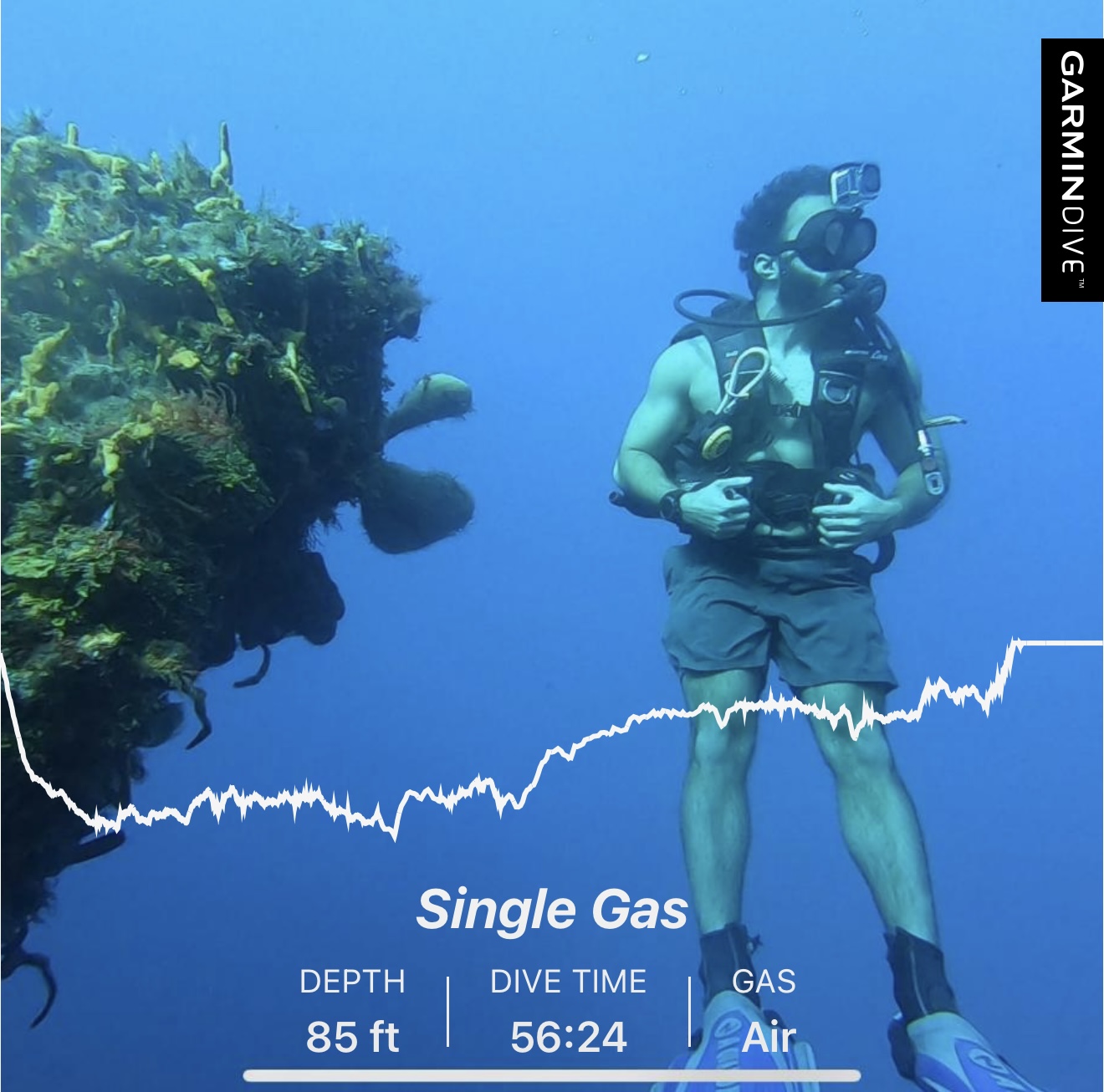
If you'd like to view even more information, you can sync dives over to the mobile application for expanded information and the ability to export. They have a standard format for sharing on social media which I think is pretty cool!
Activites & Workouts
I created custom weight lifting workouts inside the Garmin app but I haven’t really found this feature to be very useful.
I have my workouts memorized and don't need instruction, but if I was new and hired a trainer to program my workouts and include variety, this could be an awesome feature.
For cardio purposes, I think the Garmin is great tool. It has built in GPS and heart rate tracking, allowing you to integrates with popular running and cardio apps like Aura & Strava without having to carry a smart phone on you.
I only recently started doing more cardio in the form of running, swimming, and cycling and can report back.
App Store
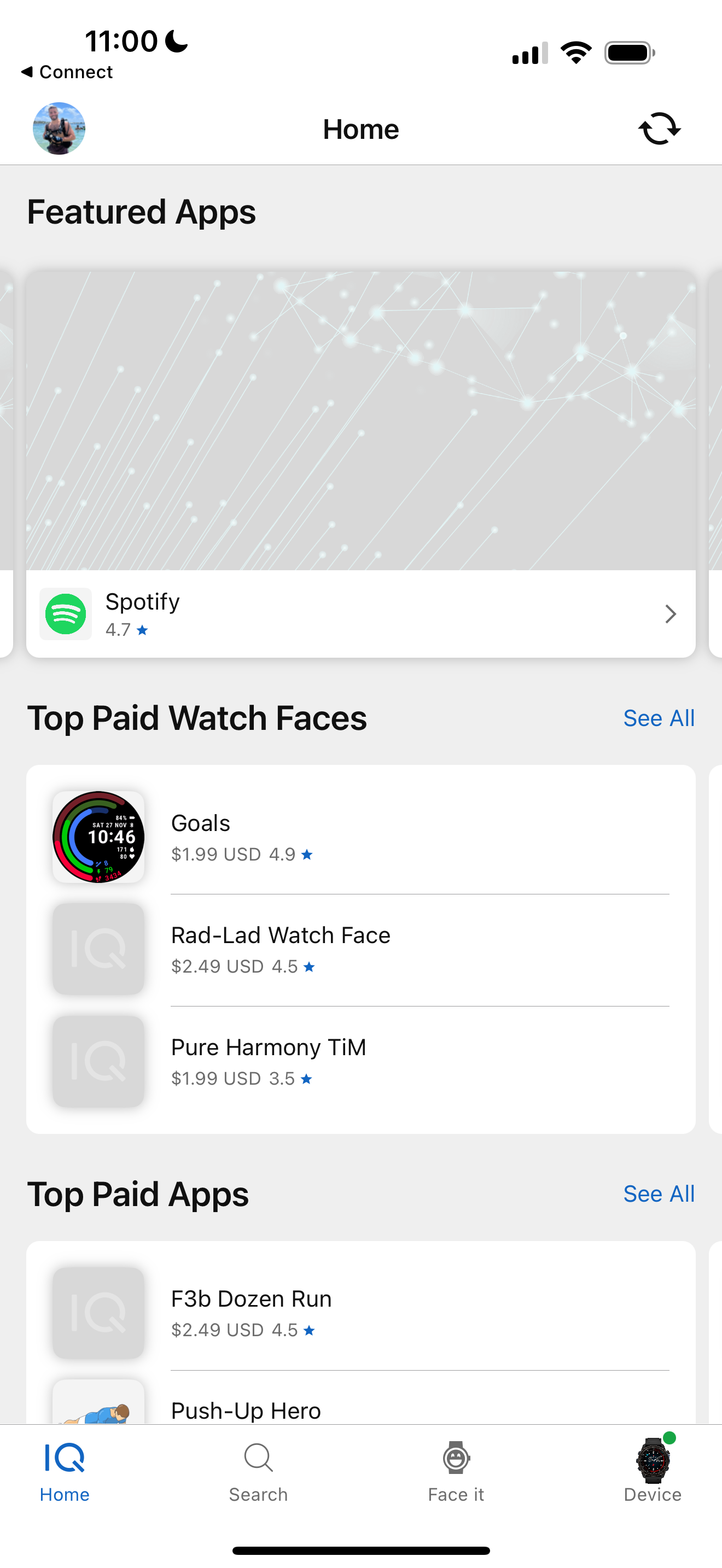
Using the Garmin Connect App, you can download and pay for apps and screens created by the Garmin community.
I haven’t found any apps that caught my eye.
I did mess around with the QR code generator to create a code to my Bitcoin wallet address on my Garmin.
Can't say I've used this yet but it's cool that it's possible.
Descent MK3i Competition
So let’s talk about the competition of Garmin Descent MK3i.
I would define the Garmin Descent MK3i as a smart watch style air integrated dive computer which in my opinion has three close comparisons.
#1: Apple Watch Ultra & Oceanic Dive Computer App
The Apple Watch Ultra with the Oceanic Dive App would be a close comparison to the Descent MK3i, in that it's a watch style dive computer meant for land and underwater, however it's missing air integration and tech/rebreather functionality.
You also need to pay a monthly subscription for it to gain dive functionality which I find to be silly.
#2: Shearwater Teric
The second closest comparison would be the Shearwater Teric in that it's a watch style air integrated dive computer with tech and rebreather functionality. It's just missing everyday smart watch functionality which to some might not be a big deal.
The Shearwater Teric was my previous favorite dive computer before testing out the Descent MK3i.
You may have seen in my Shearwater Peregrine and Teric reviews that I wasn’t a fan of the wireless charging pad system as while on the move it’s easy to get knocked off.
The battery life is comparable to Shearwater computers, but you have to keep in mind Garmin is running so many applications and is in use 24/7 whereas Shearwater Computers just have diving functionality.
#3: Garmin Descent MK2i
I've never used the Descent MK2i so it's hard for me to give exact differences, but from the research I've done online, the main differences between the MK2i and MK3i are:
Display & Interface: The MK3i features a vibrant AMOLED touchscreen that's noticeably brighter and sharper than the MK2i's traditional display.
Battery Life: The MK3i offers up to 48 hours in dive mode and 25 days in smartwatch mode. For context, I've worn my MK3i 24/7 for over two months, taken it on 20 dives, and only charged it three times.
SubWave Sonar Messaging: The MK3i introduces SubWave sonar-based diver-to-diver messaging, allowing you to send preset messages to other divers within 30m range and monitor their tank pressure and depth. The MK2i doesn't have this capability.
No Flashlight: The MK2i doesn't have the built in LED flashlight.
Conclusion
After 90 days and 50+ dives, the MK3i has become the first dive computer I've genuinely not wanted to take off. That says a lot coming from someone who wore an Apple Watch for four months and hated it.
What separates it from every other dive computer I've used is the above-water package. The battery life is incredible for a device doing this much.
If you purely want a dive computer with no interest in the smartwatch features, a Shearwater Teric does the diving side just as well for less money.
Buy the MK3i if: diving is a serious hobby, you want one device that replaces your watch, fitness tracker, and dive computer, and the price isn't a dealbreaker.
Skip it if: you only dive occasionally, you don't care about above-water features, or you're on a budget. A $300 computer does the safety-critical stuff just as well.
This review took 90 days of diving and a lot of writing to put together. If it helped you decide, checking the price through my link costs you nothing and means a lot.
Buy the Garmin Descent MK3i →Want to connect with me and other divers?
Share dive sites, join real-world meetups, and dive with people who love diving as much as I do.
Join the Community, It's Free 🤙🏽Let's Dive Together
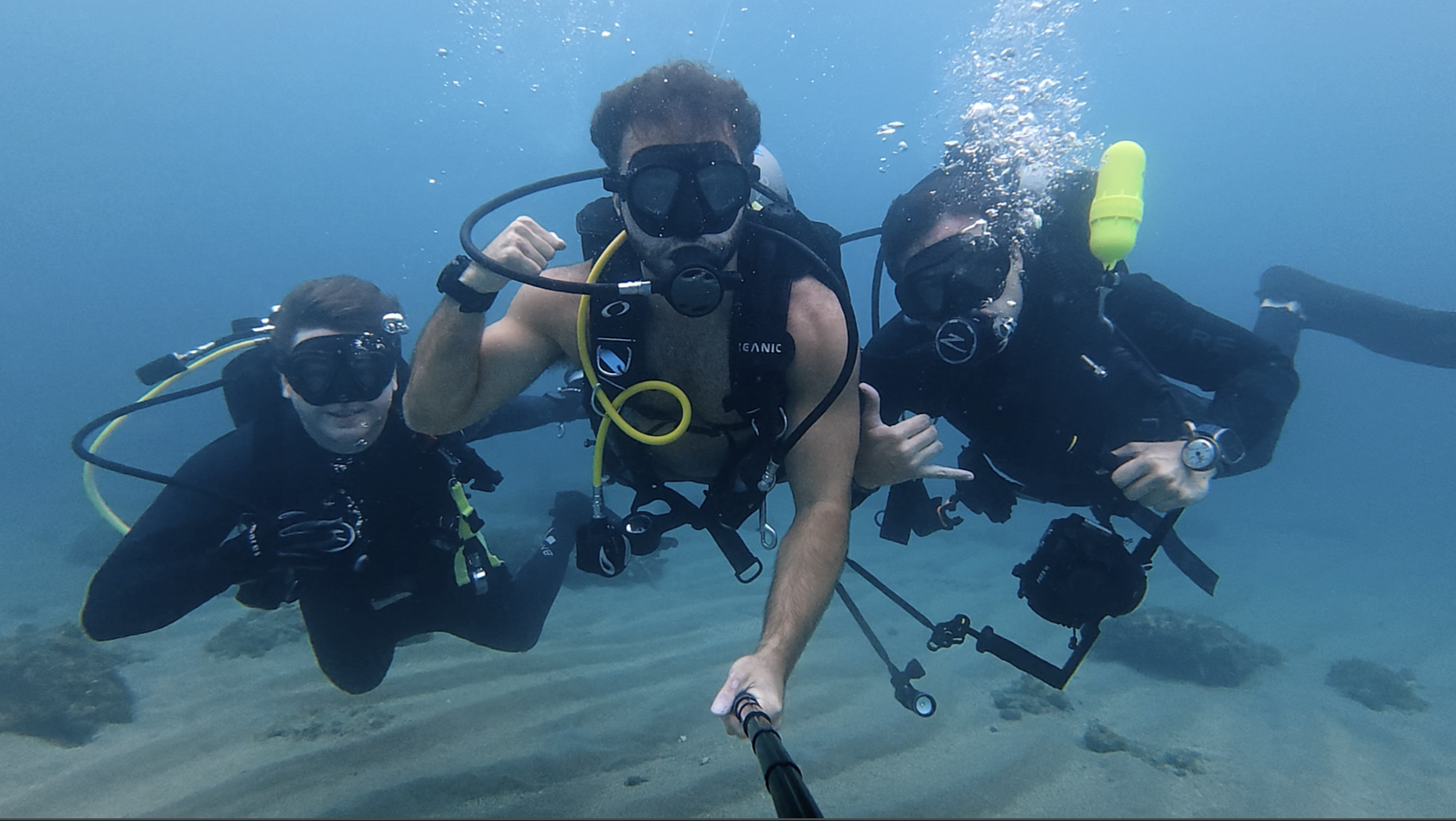
👋 It's Divemaster Austin
I'm inviting you to Dive Club, my global scuba diving community.
What you’ll find inside:
🤿 Dive meetups & group trips
🌍 Top dive sites shared by community members
⚙️ Gear tips & technique discussions
🤝 Diver's who’ve already linked up IRL
See you there!
Join my scuba diving community.
I'm Austin, a PADI Divemaster with over a decade of diving experience under my belt.
I created a free scuba diving community, where divers can connect, learn, and share their dives.
See you inside!
Join my Diving Community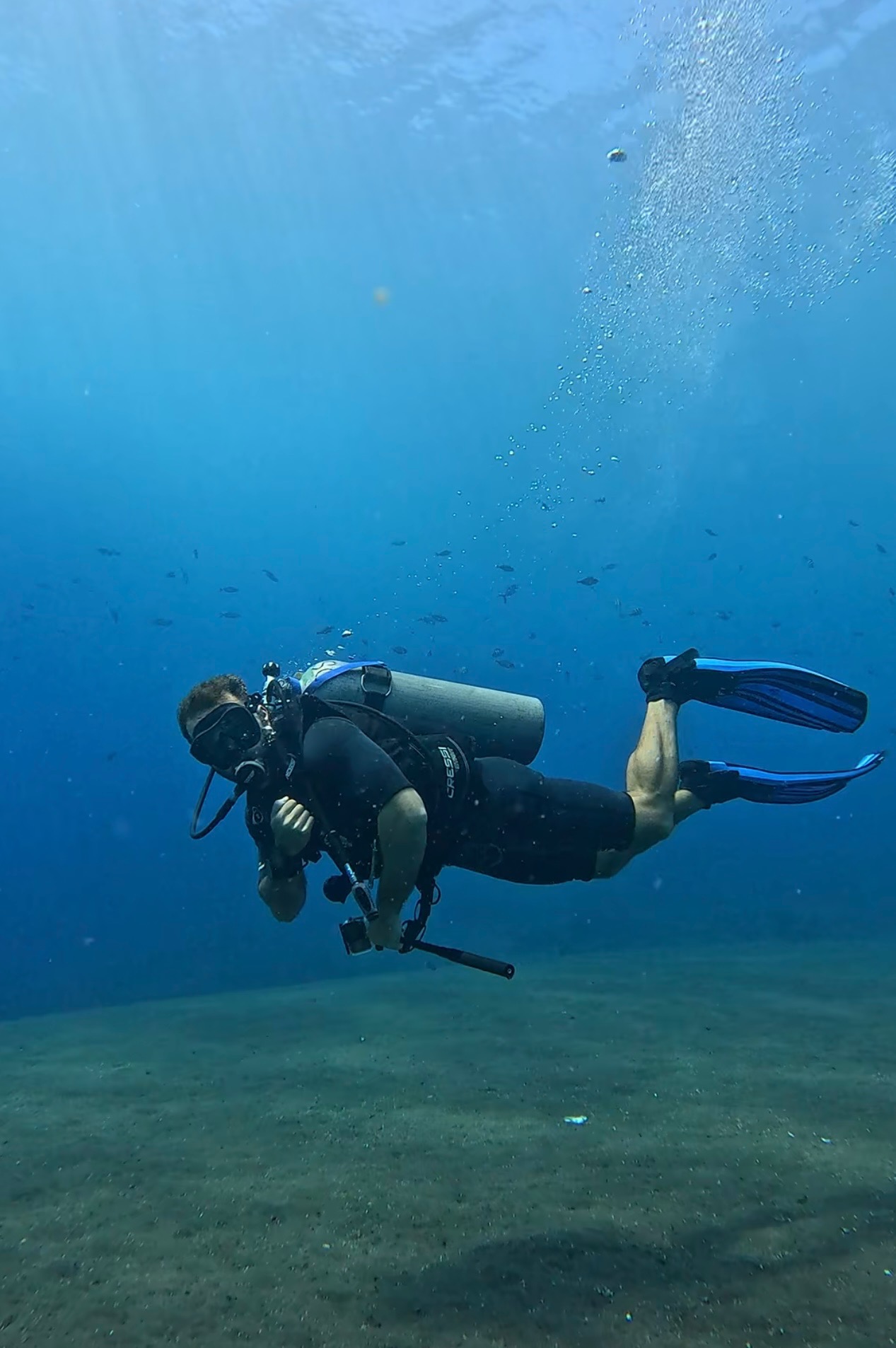

.webp)
.webp)