
.webp)
.png)

Shearwater gave me the opportunity to test the Shearwater Teric for one year over 100 dives during my divemaster program.
Up until testing the Garmin Descent MK3i, it was my favorite dive computer of all time.
The reason I switched might not matter to you at all. The MK3i won me over with its smartwatch features like step tracking, GPS, body battery, sleep monitoring.
If you’re after the best watch style dive computer on your wrist for diving only, the Teric could be the right call.
The Shearwater Teric's interface is the most intuitive I've seen on any dive computer. With four buttons and onscreen instructions, you pick it up after weeks or months out of the water you'll be navigating it in seconds.
.png)
The display is vibrant and sharp even in low visibility environments. It has the ability to air integrate and a digital compass.
It has every dive mode, feature, or tool you'd ever realistically need in a watch-sized package.
If you're on the fence on purchasing a Shearwater Teric, this review I'll cover what I loved, what frustrated me, and more, so you can make the right decision on your next dive computer.
A Few Disclaimers
Shearwater loaned me this computer for testing. I did not purchase it.
I sent it back after completing testing and taking it on 100 dives. No payment was exchanged for making content.
I used the Teric exclusively for open circuit recreational diving and freediving. I did not use it for tech or rebreather diving.
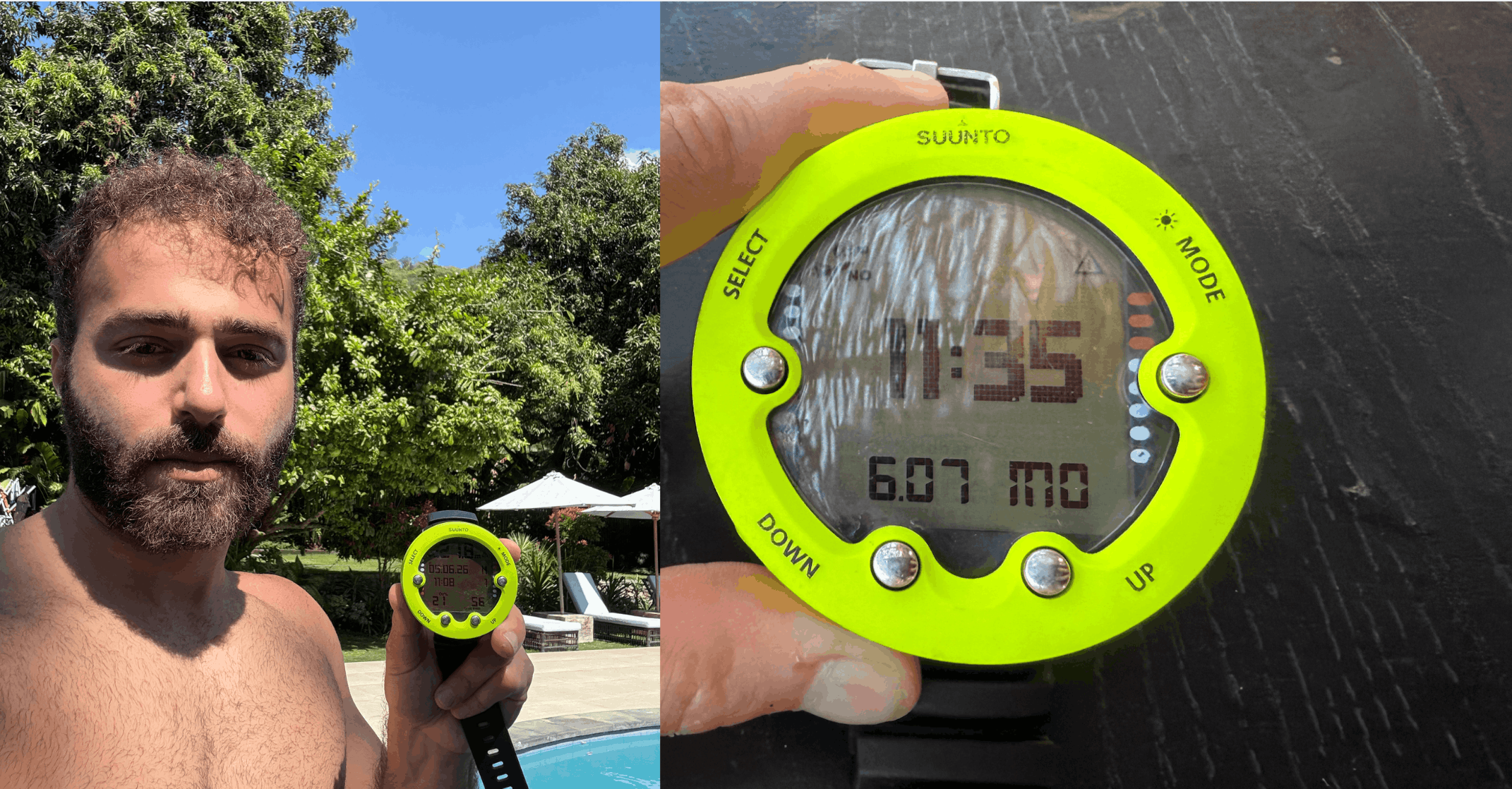
Before the Teric, the only other dive computer I had used was the Suunto Zoop or similar rental models.
Quick Specs
How It Performs Underwater
The Shearwater Teric handles everything you'd expect from a dive computer: depth, NDLs, ascent rate, safety stops.
But any $300 computer does that.
Where it first begins to separate itself is the LED display and how easy it is to navigate.
The screen is the clearest I've used underwater with vibrant colors, high contrast, and readable at a glance even in low visibility and at depth.
Your ascent rate displays clearly on screen with visual and haptic alerts if you're climbing too fast.
If you have an air transmitter linked, your tank pressure, gas time remaining, and SAC rate will all be displayed directly on the watch face.
4 Features I Loved The Most
#1: The Display
.png)
The Teric's 1.39" AMOLED display is the best screen I've used on a dive computer.
Every other dive computer screen looks worse after you've used this one.
You can also customize exactly what data shows on your dive screen.
The computer is easy and intuitive to navigate with a simple four-button design with big buttons, designed to be easy to use in thick dive gloves.
There's always on screen hints for what but each button does, but the bezel also has button labels.
#2: Five Dive Modes
.png)
The Shearwater Teric features five different dive modes:
- Recreational (Nitrox up to 99%)
- Technical (Trimix is enabled)
- Rebreather – (Has fixed ppO2)
- Sidemount – (SAC, GTR & RTR)
- Freediving (High-speed depth sampling)
- Gauge – (Stopwatch, timer, and alarm, or below the water as a bottom-time.)
Unlike many other dive computers, the freediving options feel well thought through and fit for purpose, with considerate additions like haptic alarms.
It uses the Buhlmann ZHL-16C algorithm and is fully enabled for any configuration of tanks or rebreathers.
#3: Compass
.png)
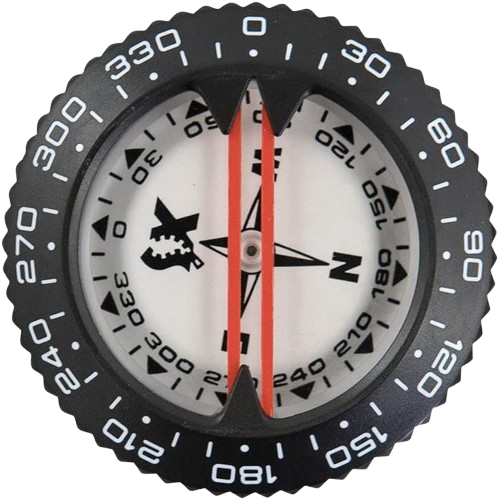
In South Florida, I do a lot of shore diving and having a compass allows me to easily tell which direction the shoreline is, so I don't need to surface in order to check.
An analog compass does the same thing, but I find digital compasses to be quicker and more intuitive to use.
In my experience, the Shearwater Teric's compass was always accurate and accessible. You can calibrate it whenever you'd like by entering the mode and swirling it around.
There's no going back to a primary analog compass once you've used a dive computer compass.
#4: Build Quality & Style
.png)
The Teric was Shearwater's first wristwatch-style computer and they nailed it.
It's profile on the wrist is definitely larger than any other watch, so this could be a deal breaker for you if planning to wear it as an everyday watch.
That is one thing I like about the Garmin Descent MK3i over the Teric, is the slimmer profile.
3 Things I Didn't Like
The Wireless Charging Dock

This was my biggest frustration, but luckily you don't have to charge this thing often!
The charging dock is a separate piece of equipment that connects via gravity/proximity, and it doesn't hold on tight enough. I also lost it on a dive vacation one time, and had no way to easily acquire another.
Traveling full time, this pad got knocked loose constantly.
The Garmin's USB-C clamp system is a significant upgrade here.
Smartwatch Functionality Is Nonexistent
.png)
The Teric looks like a smartwatch but doesn't function like one.
It has a timer and stopwatch but that's really it.
No step tracking, heart rate monitoring, GPS log tracking, or app store.
That didn't bother me during my year with it, but once I spent time with the Garmin, going back to a computer that only works underwater felt limiting.
The Price
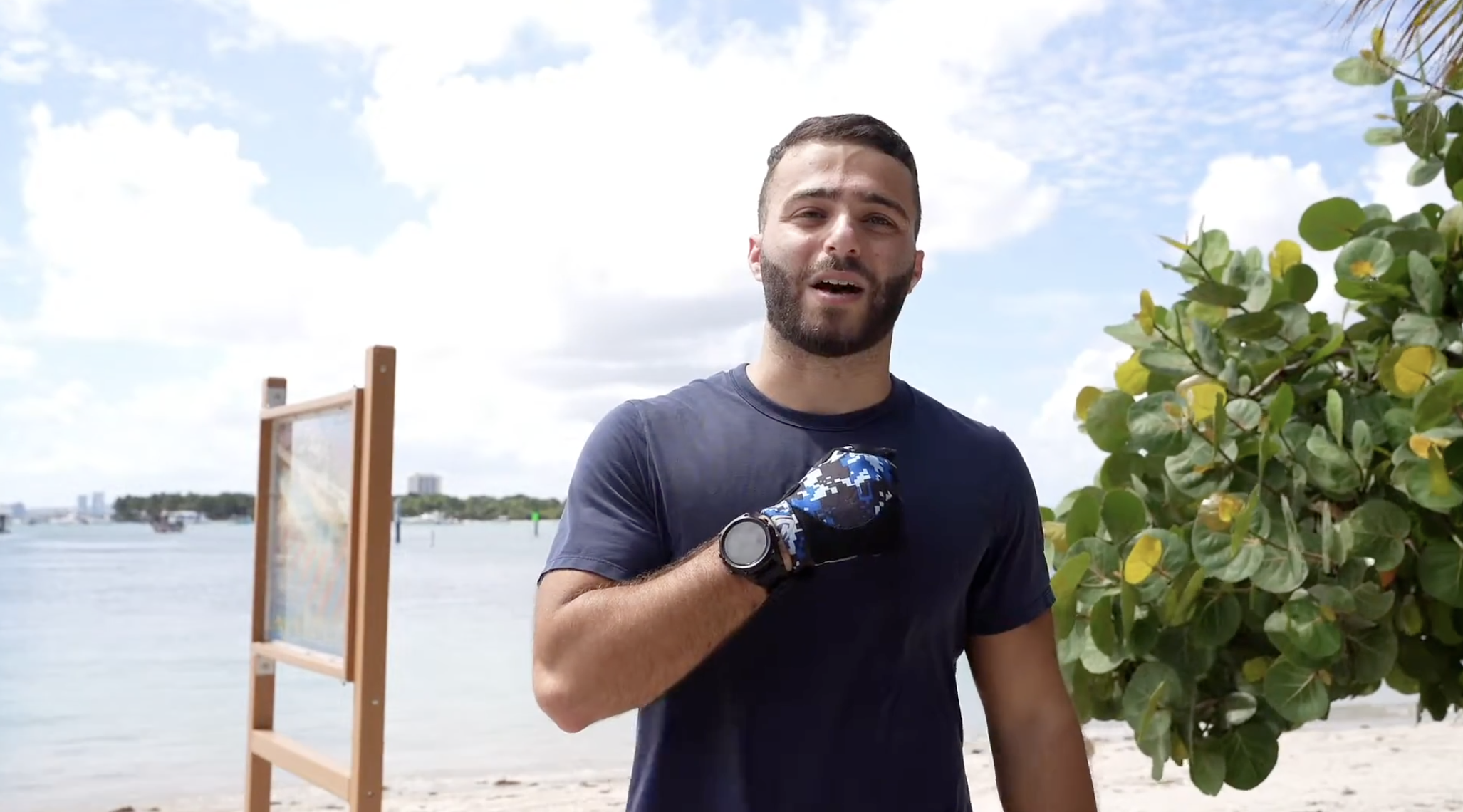
At around $1,200-$1,500, you're paying for dive functionality only.
There's nothing wrong with that as the dive functionality is world class.
But if you want a device that also tracks your fitness, logs GPS coordinates for dive sites, and functions as an everyday watch, the Teric isn't it.
You probably don't want multiple smart watches.
Battery & Charging
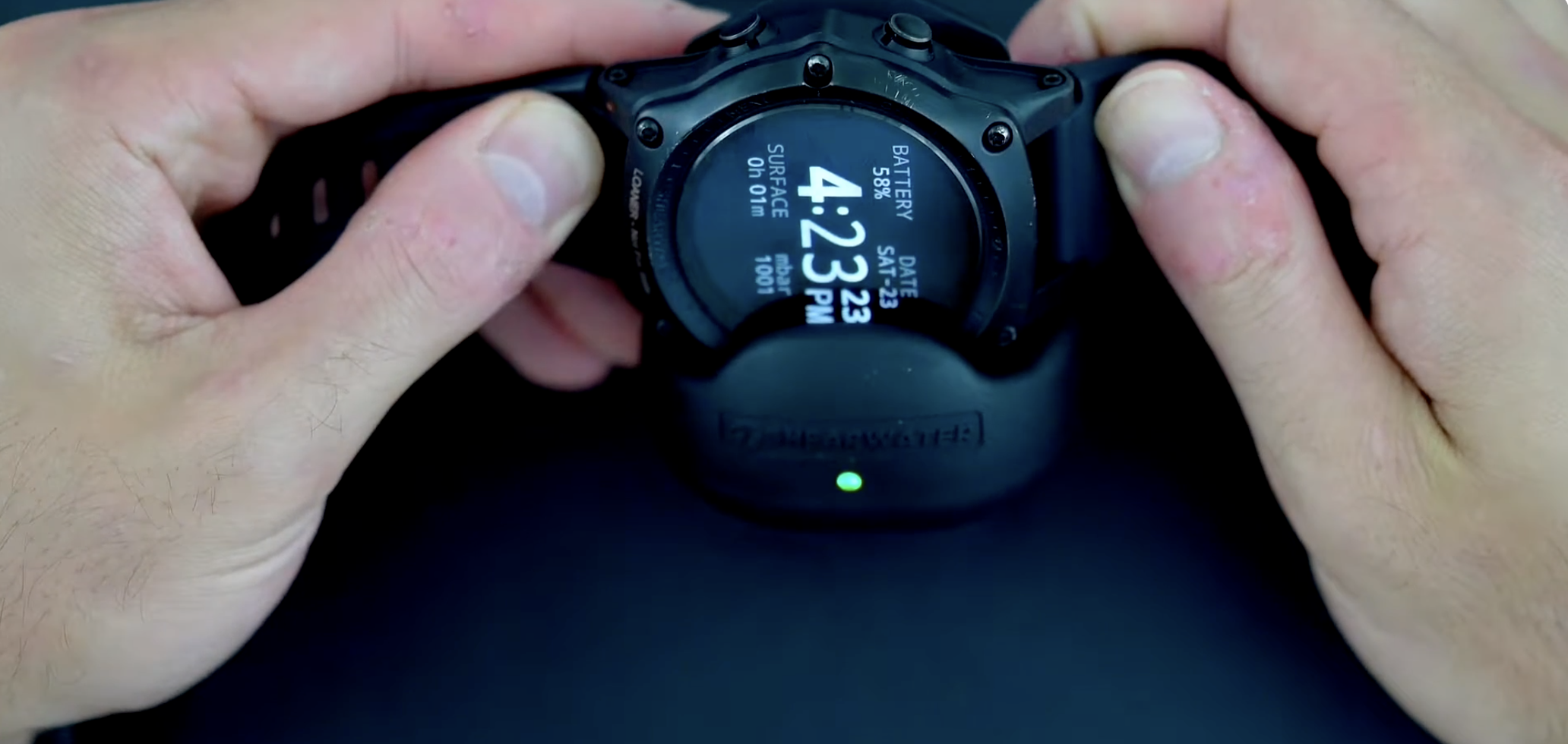
Battery life on the Teric is solid giving you 30 hours in dive mode.
In my experience, it takes around an hour charge to go from empty to full.
In practice, I charged it roughly every 2 weeks and I never ran out of battery mid-dive.
Gas Integration
.png)
Air integration is becoming more and more common and the Shearwater Teric does it very well.
It's been some time, but I remember that pairing the computer to the transmitter to be extremely easy and intuitive without a dive manual on me.
With the new Shearwater SWIFT transmitters, you can pair up to four tanks displaying pressure, gas time remaining, and SAC rate display directly on the watch face.
Dive Log
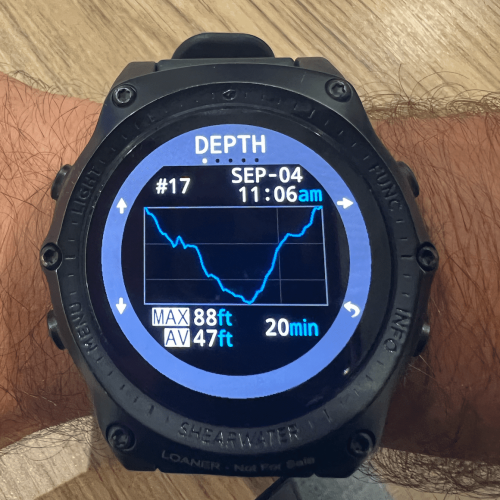
The dive log allows you to automatically view detailed dive specifications including depth, time, temperature, air consumption, dive profile, and more.
The Teric connects to devices with Bluetooth, automatically uploading dives to your phone, tablet, or laptop once paired. It has over 500 hours of dive log time available.
.png)
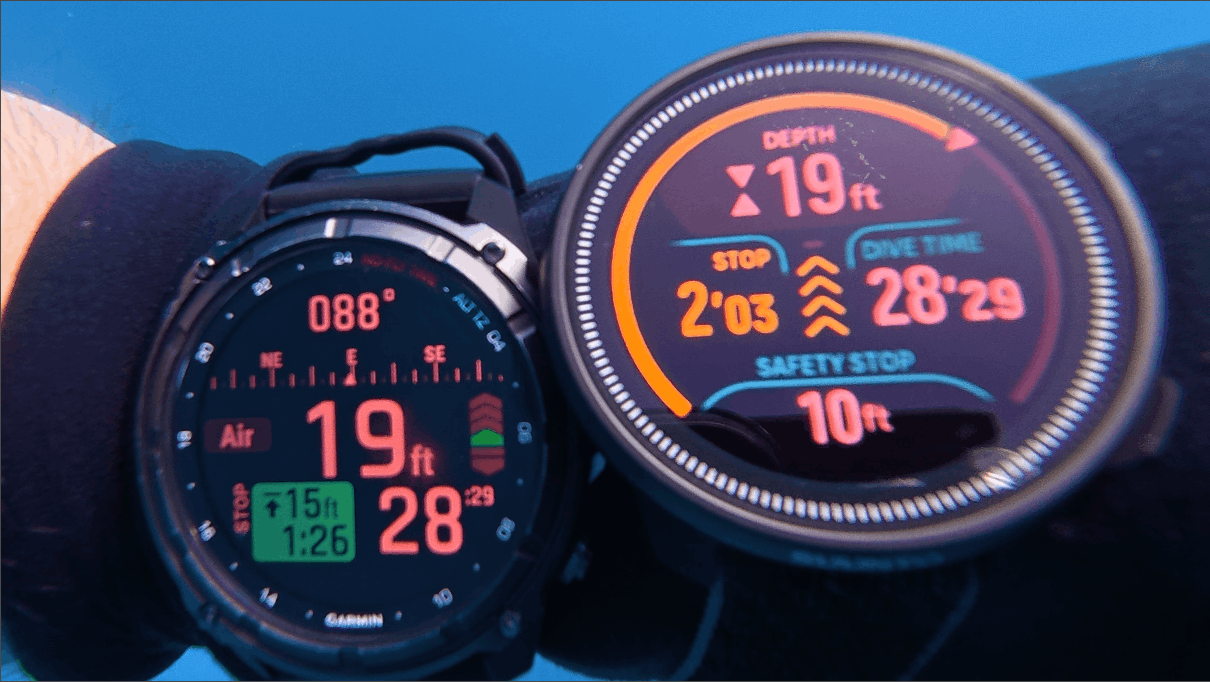
Shearwater Teric vs. Garmin Descent MK3i
At this point, I used the Teric for a full year, and the Descent MK3i for half a year.
Dive functionality: The Teric wins slightly. The algorithms, technical dive modes, and freediving implementation are more mature. Shearwater has been doing this longer and it shows.
Everyday wearability: Garmin wins easily. GPS, step tracking, heart rate, body battery, alarm clock, app store, and more. The MK3i is a full smartwatch that also dives. It also has a MUCH smaller profile on your wrist.
Display: Honestly, they're both amazing, Garmin's is slightly larger but neither are a clear winner here.
Charging: Garmin wins. The USB-C clamp is more reliable than the Teric's, and I do think the battery lasts longer.
Battery: Comparable in dive mode. Garmin is dramatically better as a 24/7 wearable (I charged it 3 times over two months of continuous use).
Who should buy the Teric: Advanced and technical who want the best pure dive computer in watch form.
Who should buy the MK3i: Divers who want a capable dive computer AND an everyday smartwatch in one device.
Conclusion
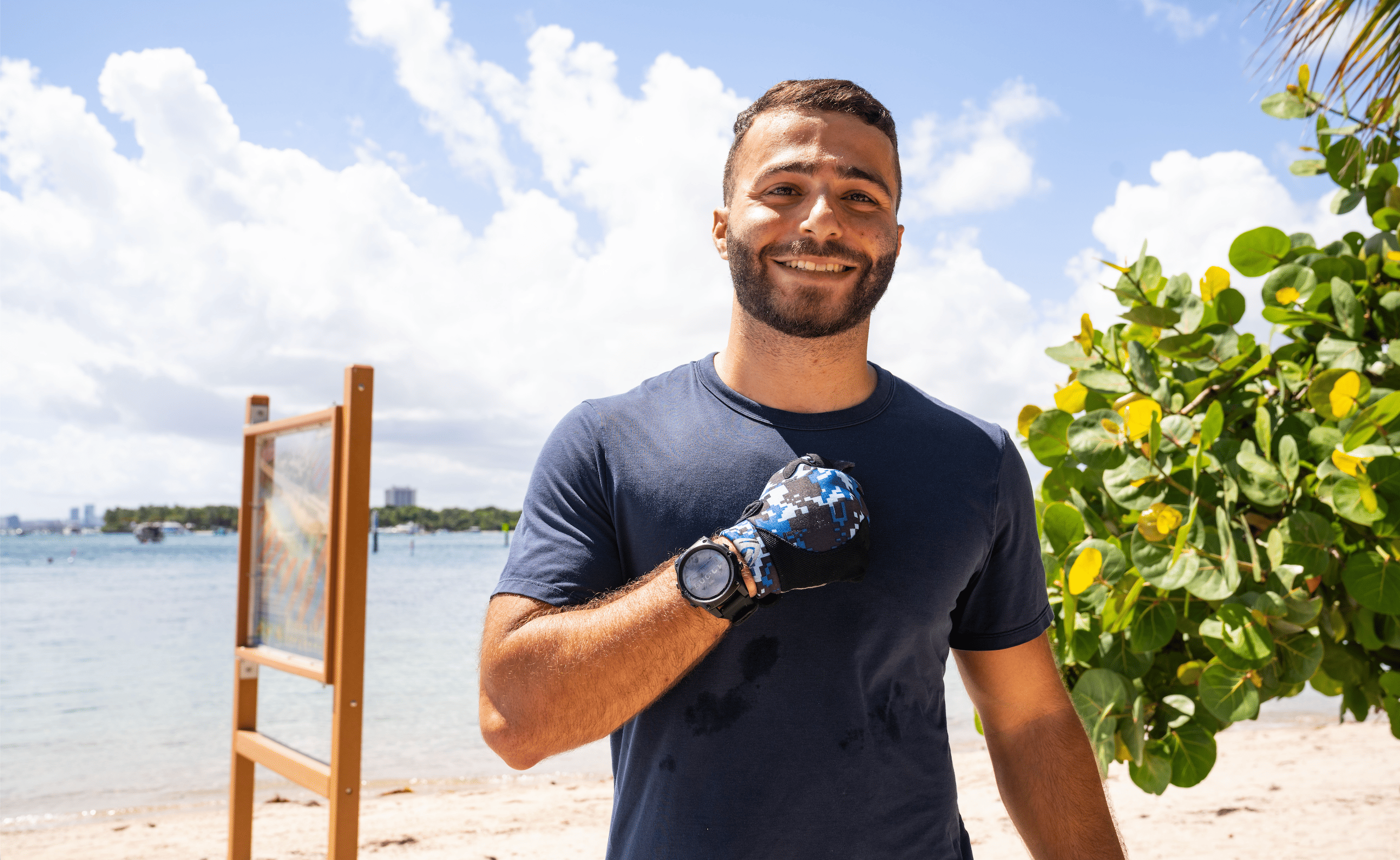
The Shearwater Teric is one of the best dive computers ever made. I used it for a full year and loved nearly every dive with it.
The reason I switched isn't because the Teric is bad. It's because the Garmin Descent MK3i does everything the Teric does underwater, and a whole lot more on land.
If pure dive performance is your only criteria, the Teric is hard to beat. If you want one device for your whole life, look at the MK3i. If you want a larger screen with almost all the same Shearwater dive computer functionality, check out the Peregrine TX.
If this article helped your purchasing decision at all, using my link below to purchase supports the content I make.
Let's Dive Together
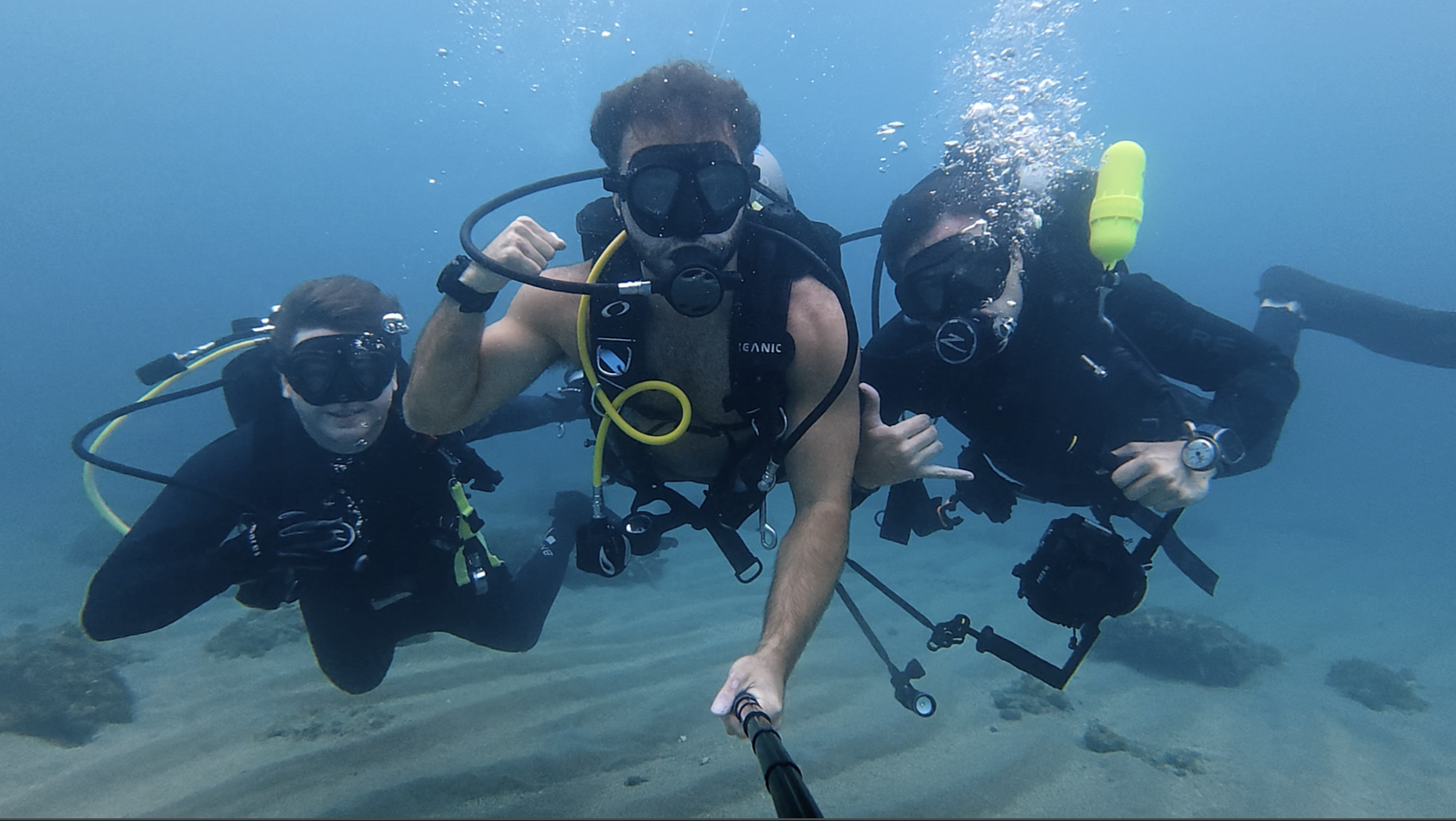
👋 It's Divemaster Austin
I'm inviting you to Dive Club, my global scuba diving community.
What you’ll find inside:
🤿 Dive meetups & group trips
🌍 Top dive sites shared by community members
⚙️ Gear tips & technique discussions
🤝 Diver's who’ve already linked up IRL
See you there!
Join my scuba diving community.

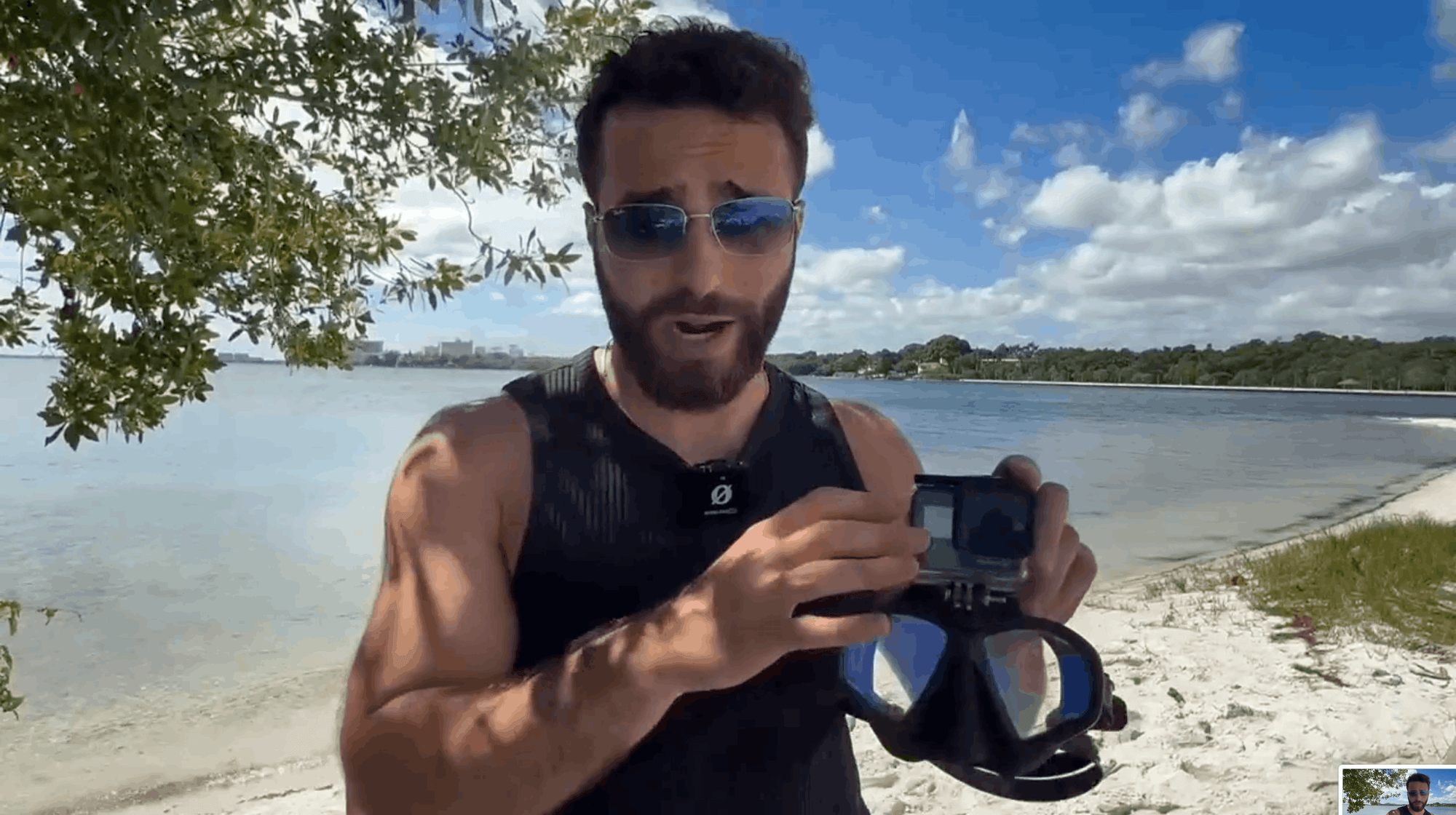
I'm Austin, a PADI Divemaster with over a decade of diving experience under my belt.
I created a free scuba diving community, where divers can connect, learn, and share their dives.
See you inside!
Join my Diving Community

.webp)
.webp)



.png)