

.webp)
Scuba divers always ask me, “what dive computer should I buy?”
It depends on your goals, budget, diving frequency, and how you prefer your data displayed.
There's no single right answer.
But what I can tell you is this:
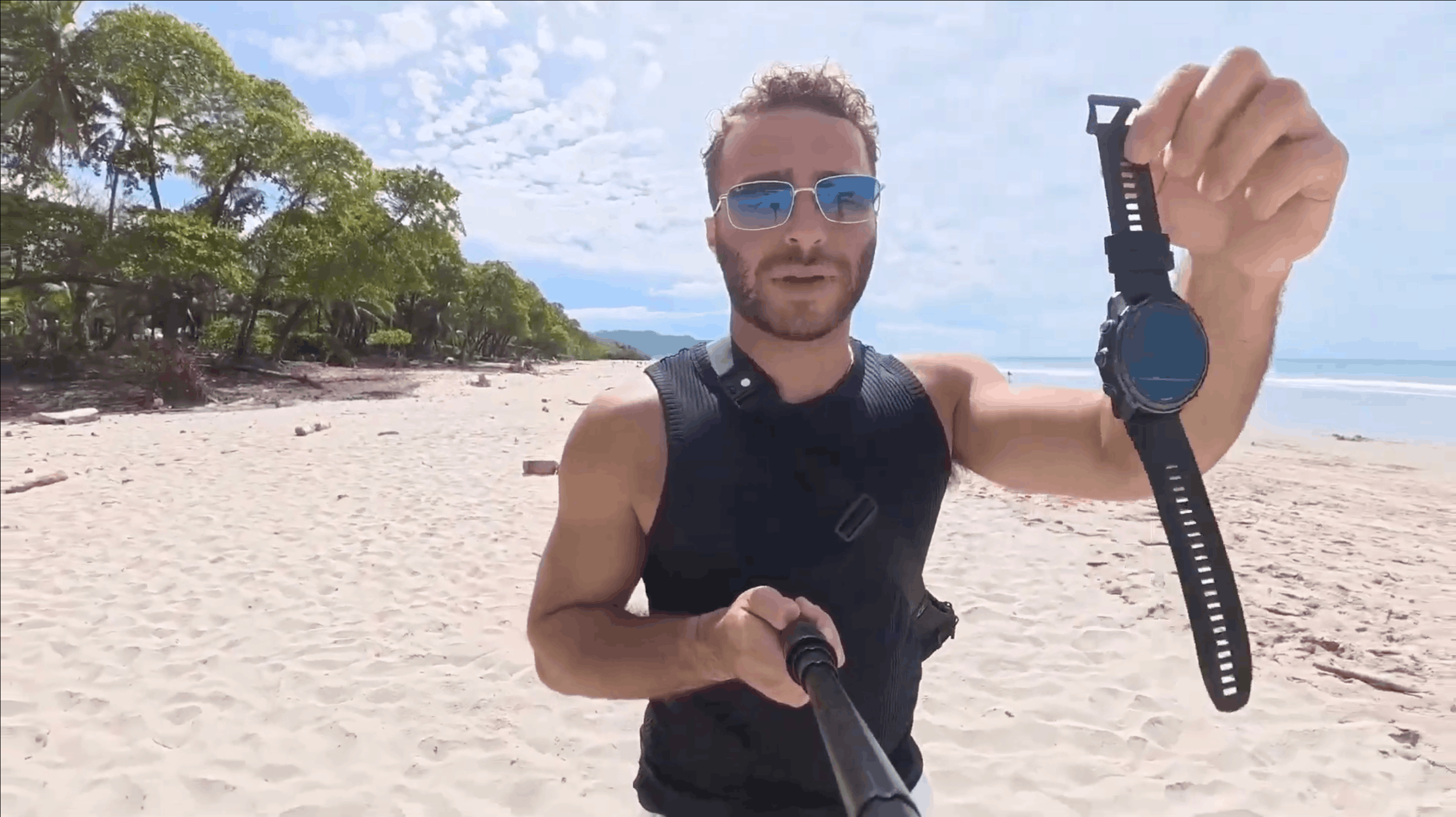
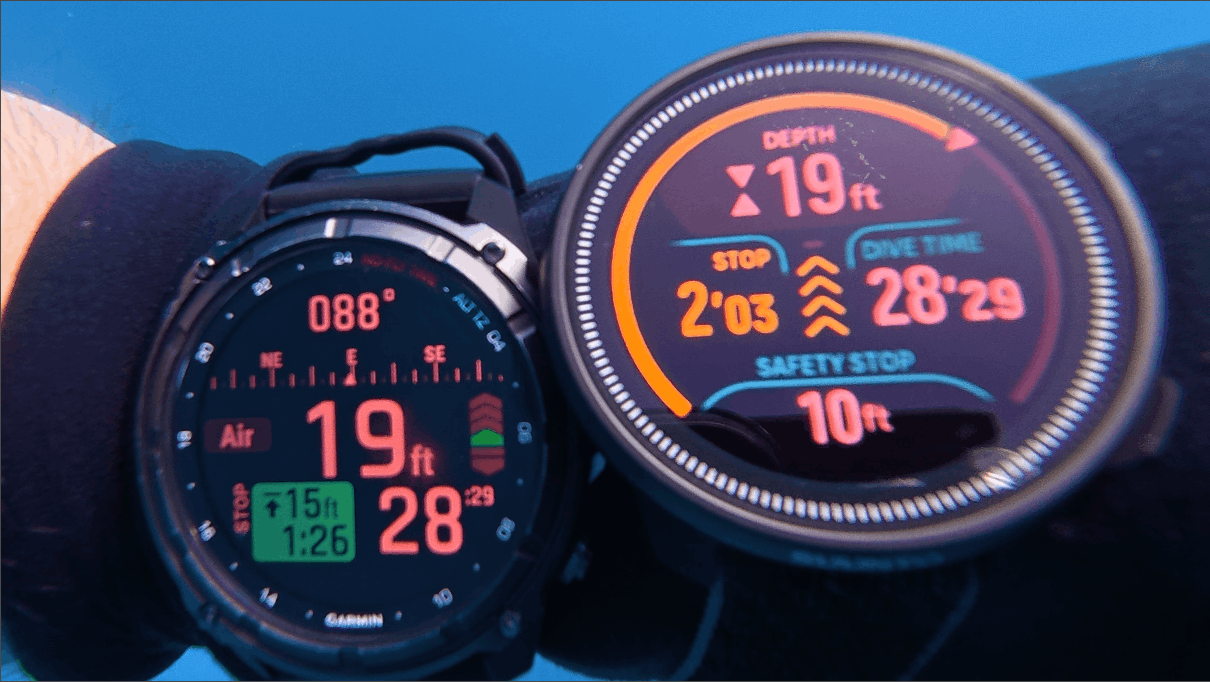
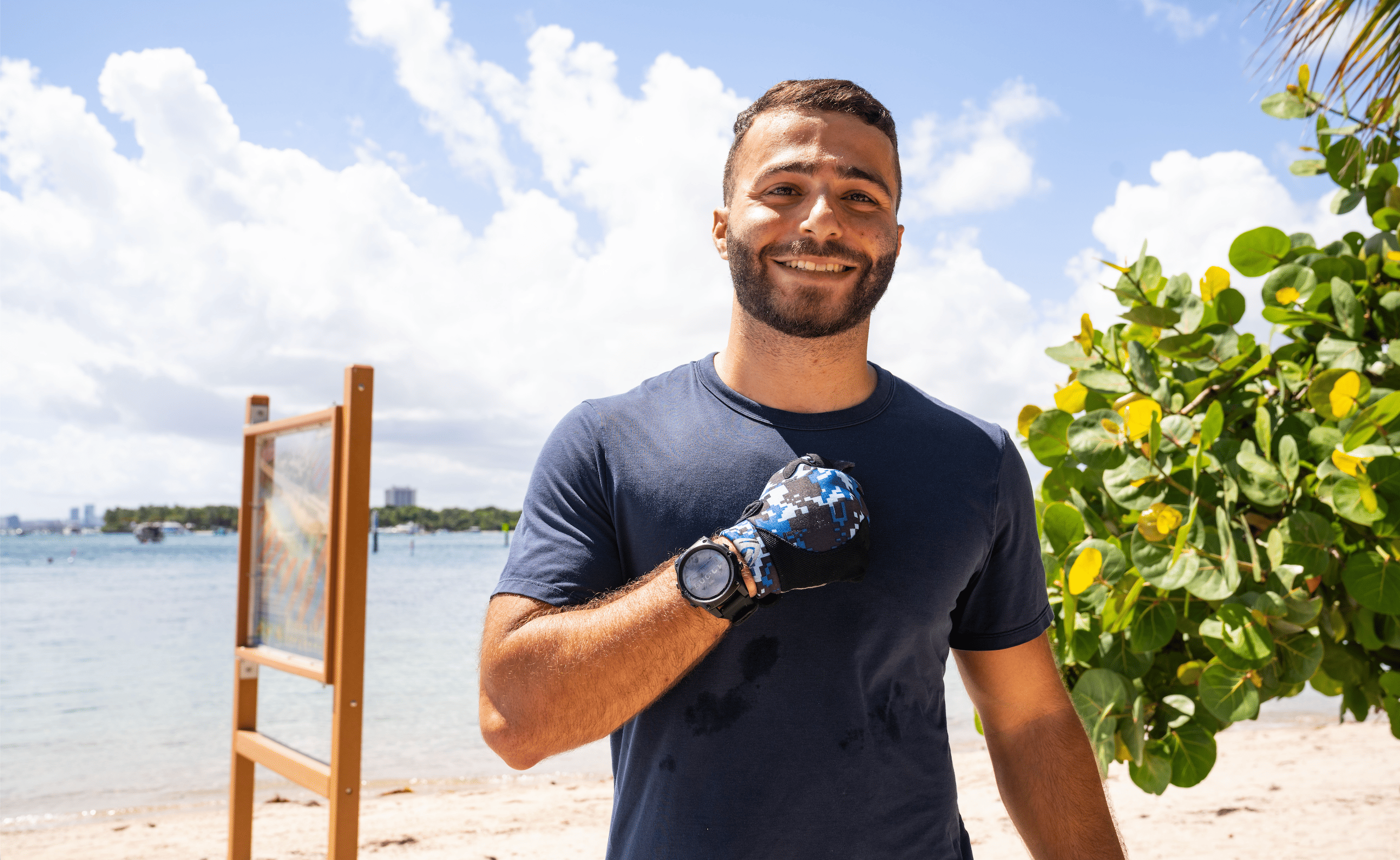
I wear a Garmin Descent MK3i on my wrist.
Below, I cover every dive computer I've personally tested and which type of diver I think it's right for.
On My Wrist: Garmin Descent MK3i
The Garmin Descent MK3i is the best dive computer I've ever used.
After 100+ dives it's the first dive computer I've genuinely not wanted to take off, even when I'm not diving.
Underwater it has every feature you'd need, with one of the clearest and brightest displays I've used on any dive computer.
Ascent rate is tracked in the top right corner. Arrow bar indicators fill in as you climb, and the watch vibrates the moment you're ascending too fast.
What separates it from every other computer I've used is above water.
It covers GPS dive logging, step tracking, heart rate and body battery monitoring, sleep tracking, an alarm clock, and a full app store.
Air integration requires the Garmin Descent T2 transceiver, sold separately at around $400. I don't currently own the T2 but it's the next addition to my setup.
The 51mm model includes a built-in flashlight with four brightness levels and a red mode. The 43mm does not.
The honest downside: it's complex. After two months of daily use, I still occasionally forget how to access specific menus, but that just shows how powerful and large a feature set the watch has.
Luxury & Tech Divers Watch Style: Shearwater Teric
The Shearwater Teric was my favorite dive computer until I tested the Garmin Descent MK3i. I used it for one year across 100+ dives during my divemaster program.
The interface is the most intuitive I've seen on any dive computer, with four large, well-labeled buttons and on-screen hints.
It covers every dive mode you'd realistically need, making it the top pick for technical and advanced divers.
Air integration pairs with up to four Shearwater SWIFT transmitters, displaying tank pressure, gas time remaining, and SAC rate directly on the watch face.
Two things worth knowing before you buy. The charging dock connects via proximity and gets knocked loose easily in a bag or on a boat.
Despite looking like a smartwatch, it has no step tracking, heart rate monitoring, GPS, or app store. That didn't bother me for a year, but after using the Garmin, going back to a dive-only computer felt limiting.
Largest Display: Shearwater Peregrine TX
The Shearwater Peregrine TX is what you get when you want Shearwater's technology at a lower price point, in a larger and more readable package. I tested it on 50+ dives in 2025 and really enjoyed it.
If you've ever struggled to read a smaller screen at depth or in low visibility, you'll love a wrist style dive computer. They have much more screen real estate, but they are not meant for everyday wear. You can customize a lot more of the data that appears on the main dive screen.
Battery life is exceptional.
On a trip to Kona, I lost the charging pad at the start of the trip. The Peregrine TX held its charge for over two weeks of diving without issue.
Air integration is via Shearwater's SWIFT wireless transmitter, supporting up to four transmitters and covering sidemount and multi-tank setups. The transmitter is sold separately so expect around $1,100 total with air integration.
The tradeoff for the large display is bulk. It's not practical as an everyday watch. The wireless charging pad has the same knock-loose issue as the Teric's, lose it in the field and you won't easily replace it mid-trip.
Best for Beginners: Suunto Zoop Novo
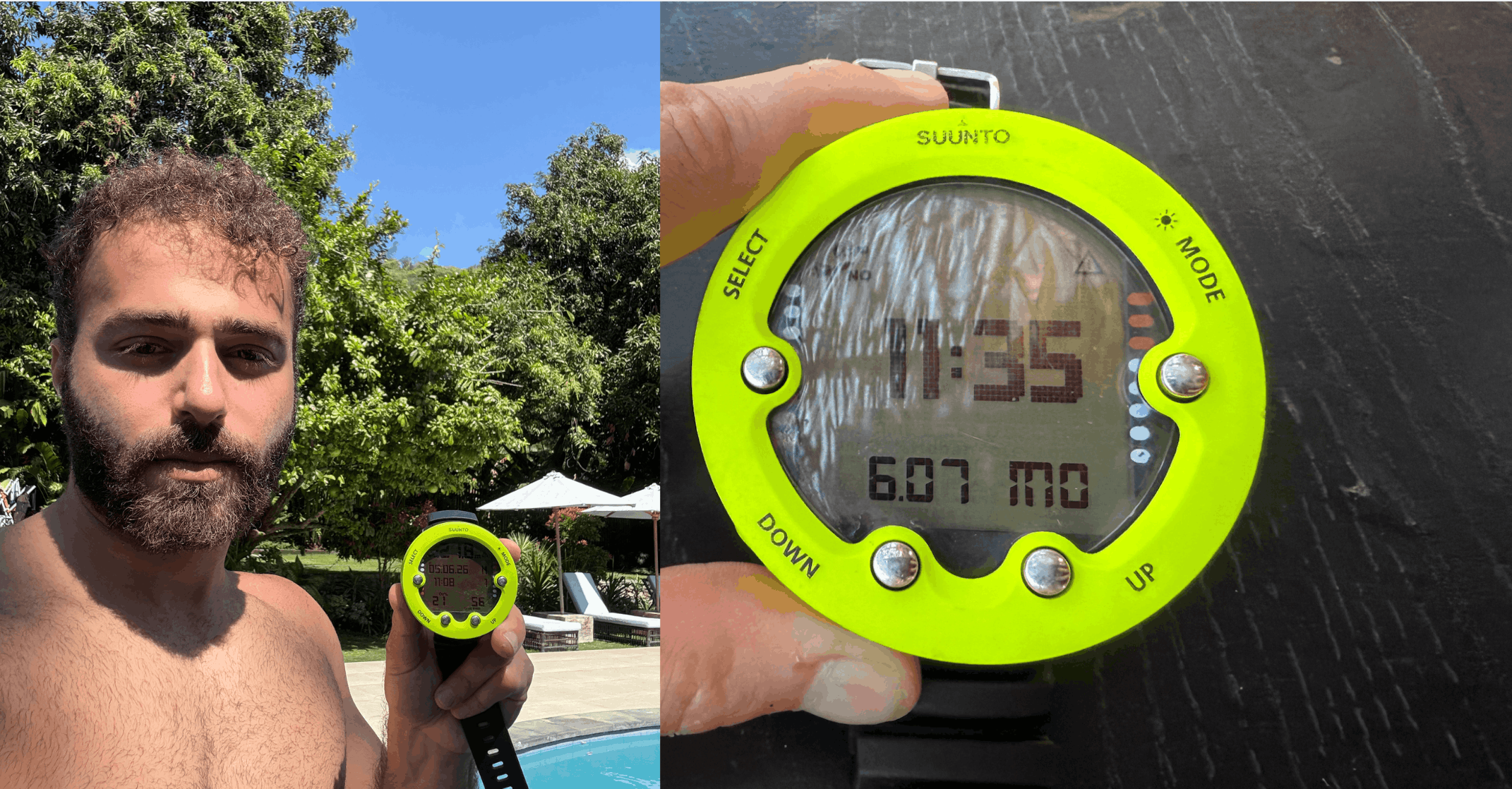
The Suunto Zoop Novo was my first dive computer before moving to the Shearwater Teric.
It's one of the simplest dive computers available, and that's the point.
The display is large, built from durable acrylic, and readable even without perfect vision.
The strap is long enough to fit over a wetsuit or drysuit. Four large buttons make the menu easy to navigate from the first dive.
Audible and visual alarms cover ascent rate, depth limits, safety stop reminders, and NDL warnings.
If you exceed your no-decompression limit, it provides decompression guidance for a safe ascent. The dive log stores 140 hours of data, downloadable via USB cable sold separately.
It doesn't try to be anything more than a reliable beginner computer, and at its price point, that's exactly what it should be.
Best Budget Watch-Style with Air Integration: Suunto Nautic S
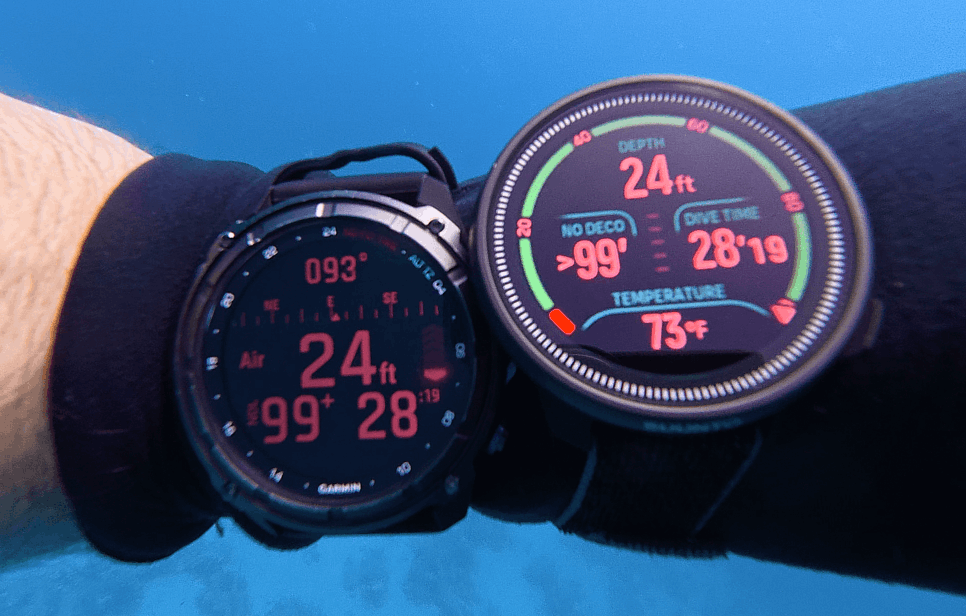
The Suunto Nautic S is a smartwatch style dive computer with air integration under $600. A price point where that combination is hard to find.
Three physical buttons on the right side handle navigation: the top cycles up through menus, the bottom cycles down, and the middle acts as enter, back, or confirm depending on context. The device is also touchscreen.
The dive log on the watch shows duration, depth profile, water temperature range, and gas information.
The companion app adds a GPS map of the dive, total distance, and your dive track. There's a social media sharing feature for posting a dive summary card, similar to Garmin's, though less dynamic.
Cheapest Console Style: Aqua Lung i300C
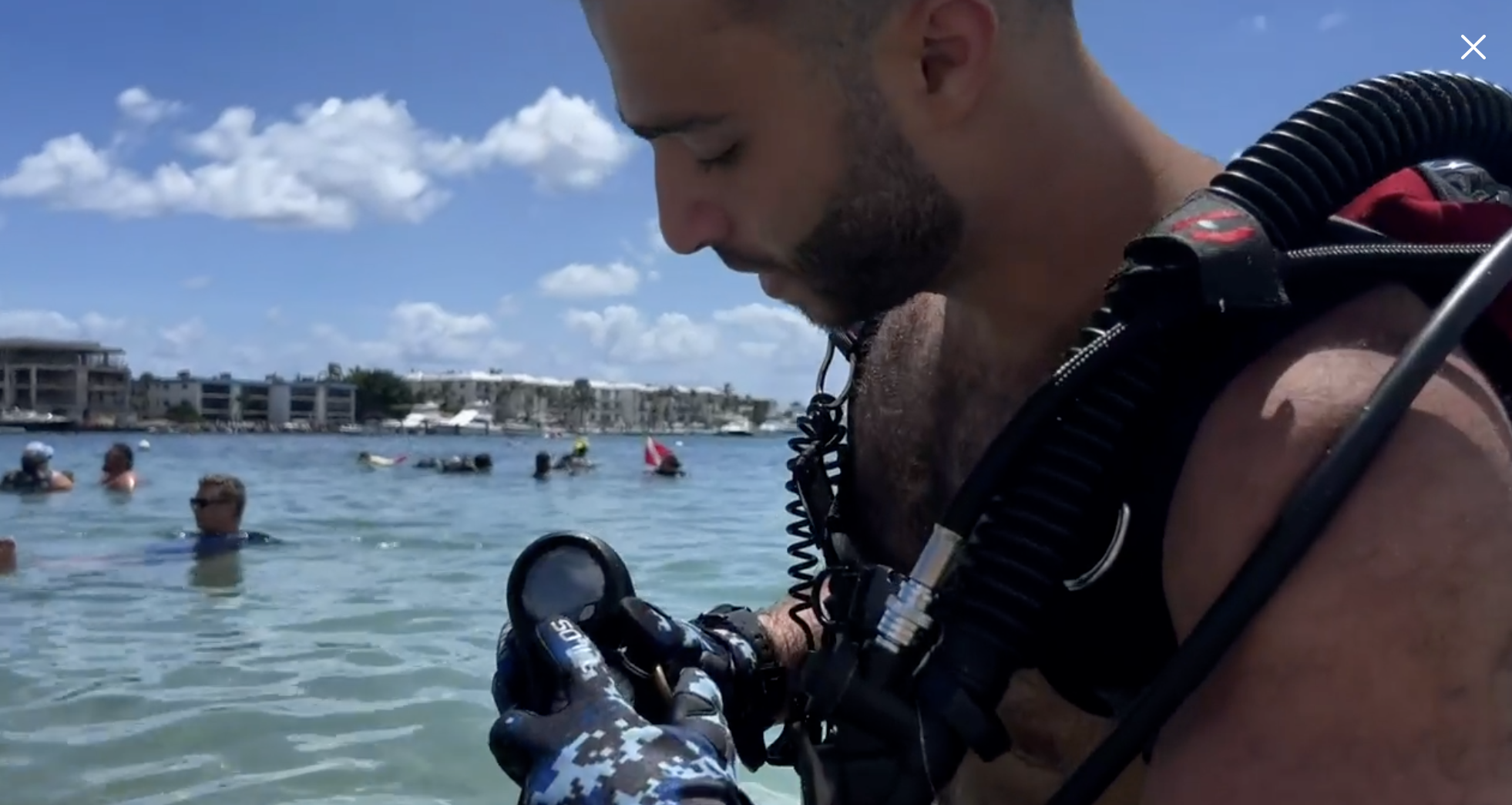
The i300C is where a lot of divers start, and it is where I put about 20 dives early in my own diving, usually on rental setups.
It is the cheapest computer on this page and the only one here that comes as a console module as well as a wrist unit.
To navigate the device, there's two buttons below the screen.
It has four modes, nitrox up to 100% with three gas switches, and a user replaceable battery that keeps your settings when you swap it.
Bluetooth pushes your logs to the DiverLog+ app so you are not hunting for a proprietary cable.
It runs Pelagic Z+, a modified Bühlmann ZHL-16C, which sits between Suunto RGBM and the more liberal DSAT for conservatism.
No air integration and no compass. This is expected at this pricepoint and for a first computer that's ok!
Two Computers I Haven't Used
Everything above is on this page because I have dived it. These two are not, but they come up constantly so I wanted to share what they are and what people who have tested them say.
Shearwater Perdix 2
If you are heading into technical diving, this is the one people point at. Air, nitrox, trimix and closed circuit, up to four wireless transmitters, and a 2.2 in (5.6 cm) colour screen, the same size as the Peregrine TX.
It runs on a single AA, so it can easily be replaced in between dives. Lithium gets you around 60 hours, a Saft LS14500 up to 100, and a supermarket alkaline about 40.
There's no charger to lose (speaking from experience ha).
It's depth rated to 850 ft (260 m) and has titanium piezo buttons on both sides which seem to be very durable.
Apple Watch Ultra with Oceanic+
An Apple Watch Ultra becomes a dive computer when you add the Oceanic+ app, which needs a subscription to unlock the dive functions.
It is rated to 130 ft (40 m), so it's great for recreational diving. If you don't want to buy a dedicated diving computer, and already wear this, it can be a great option.
If you are buying the Ultra specifically to dive, the money goes further on any of the six above. Paying a subscription for diving computer software is offputting to me, regardless of price.
Dive Computer Buying Guide
Why Get Your Own Dive Computer?
The first reason is comfort.
When you know your computer inside and out, you're not fumbling around through menus trying to switch a Nitrox blend. The familiarity adds a layer of confidence on every dive.
The second reason is your dive log.
I swapped computers for the first three years of my diving career and it's one of the things I'd do differently. When you're bouncing between brands, loans, and rentals, there's no accurate digital, centralized record of your dives.
Once you settle on your own computer, every dive is logged automatically with depth, time, temperature, and more, all in one place for you to reference later.
The third reason is money.
Rental fees add up fast. Dive enough and you'll have paid for an entry-level computer in rental fees alone, with nothing to show for it.
That said, if you're not sure diving is for you or how often you'd actually go, wait.
Air Integration

Air integration connects your dive computer to a wireless transmitter on your regulator, displaying your tank pressure, gas time remaining, and SAC rate directly on your wrist. Instead of glancing at a separate SPG, everything is in one place.
It's most useful for divers who want to simplify their setup.

It's not a must-have for every diver, but once you've dived with it, checking a separate gauge starts to feel like an extra step.
Many diving computers sell the transmitter separately, so you can purchase a model that supports it and spend extra cash on air integration later if you wanted to as well.
Digital Compass
.png)
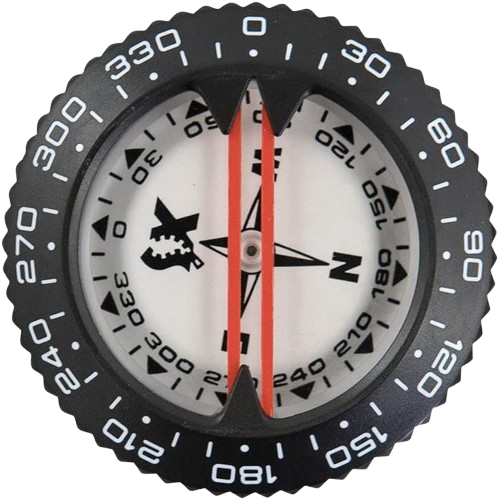
A digital compass displays your heading directly on the dive screen. Of course, a traditional compass on your SPG or setup can do this as well, but I find digital compasses to be much more intuitive.
For example, I do a lot of shore diving in Florida on the east coast. I know that if my compass is pointing me east, then that means I'm going farther out to sea, or if I'm going west, then that means I'm headed closer to shore.
It's nice to know this without having to peek your head up at the surface. You should have a backup compass as well for emergencies, and you should also pay attention to the natural terrain and dive surroundings just to be extra safe.
That said, it's not a necessity. An analog compass does the same job and has for decades. If the computer you're looking at doesn't have one built in, a wrist compass is a cheap addition to your kit.
Let's Dive Together
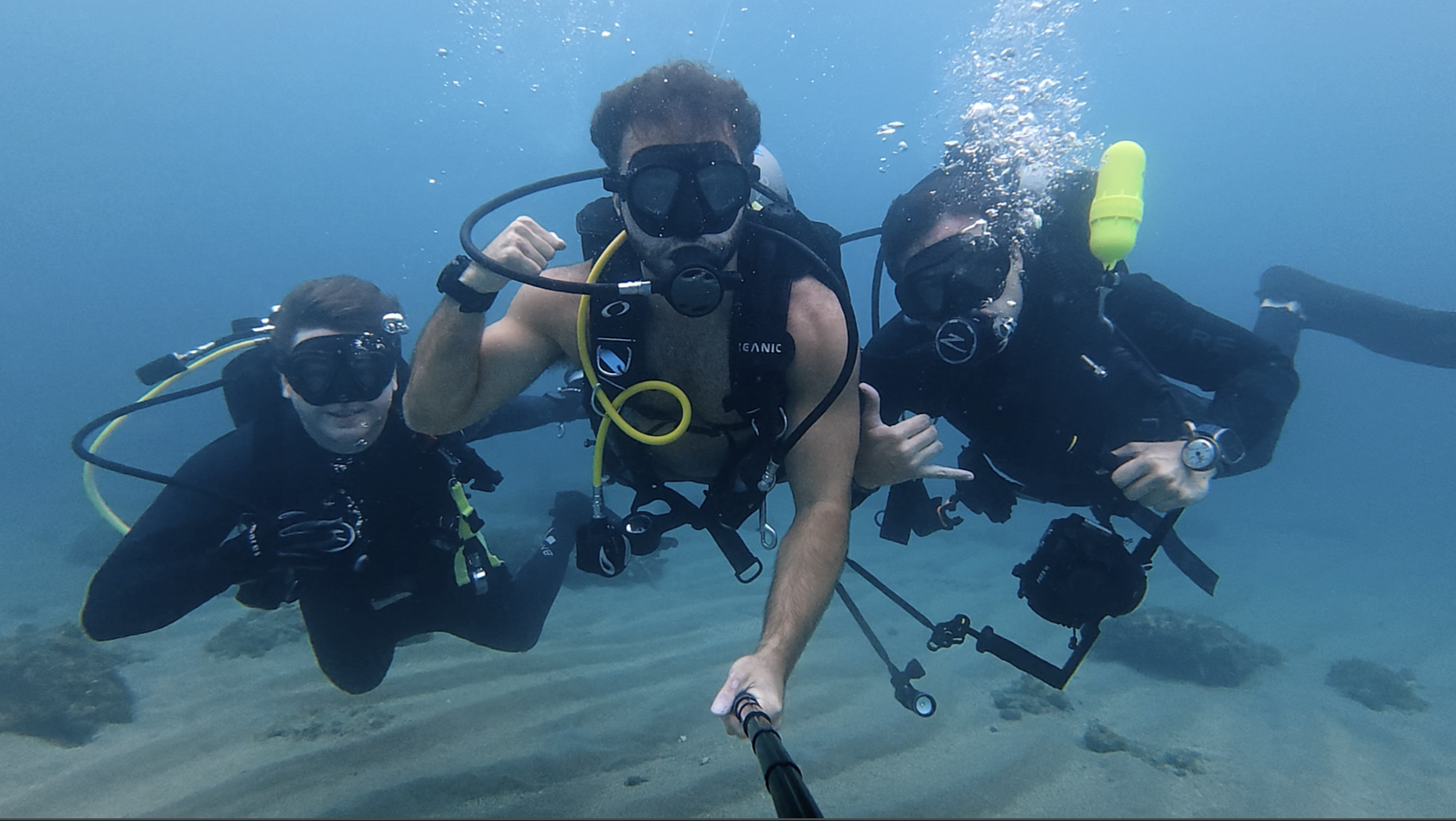
👋 It's Divemaster Austin
I'm inviting you to Dive Club, my global scuba diving community.
What you’ll find inside:
🤿 Dive meetups & group trips
🌍 Top dive sites shared by community members
⚙️ Gear tips & technique discussions
🤝 Diver's who’ve already linked up IRL
See you there!
Join my scuba diving community.
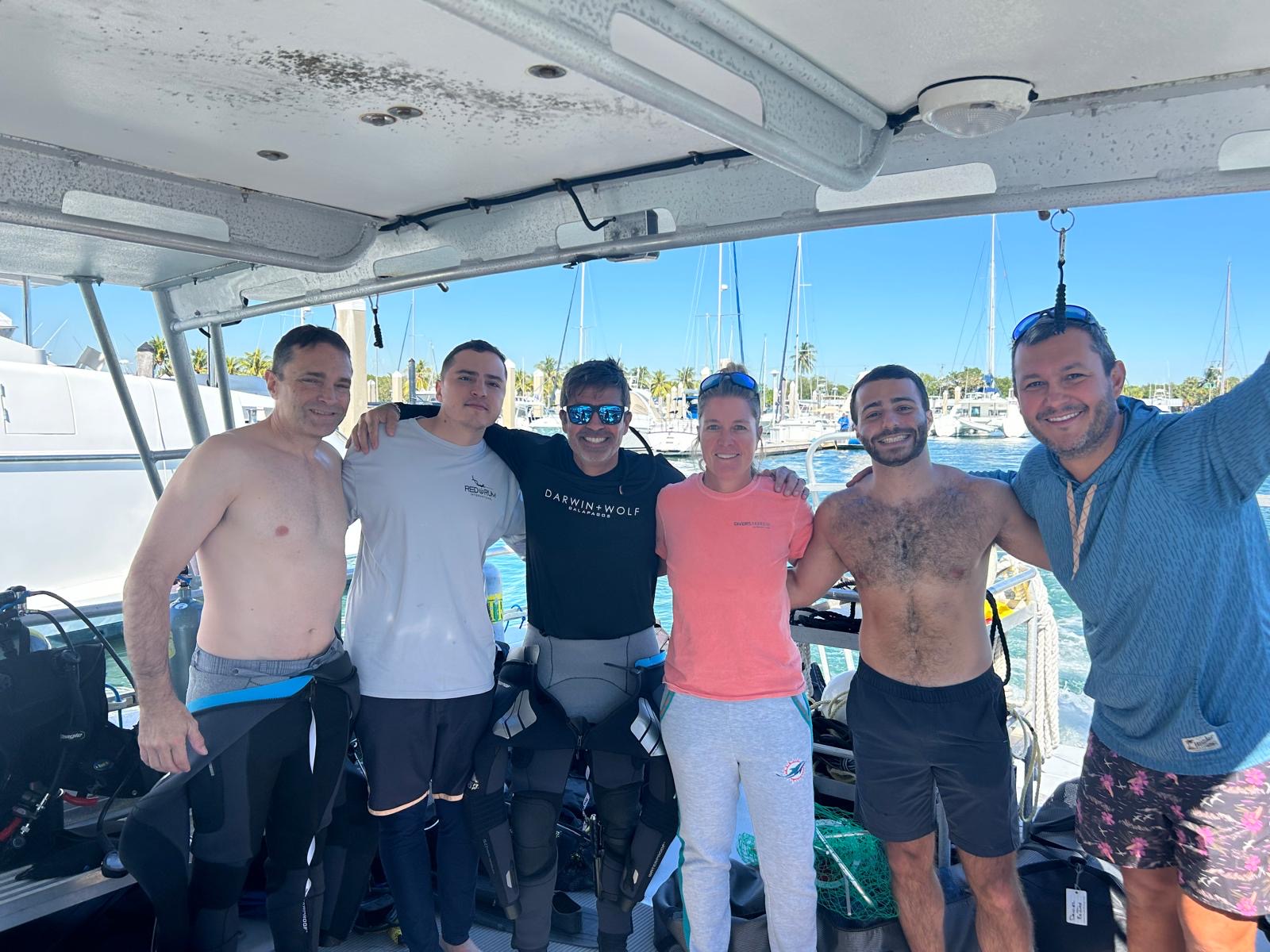
I'm Austin, a PADI Divemaster with over a decade of diving experience under my belt.
I created a free scuba diving community, where divers can connect, learn, and share their dives.
See you inside!
Join my Diving Community

.webp)
.webp)



.png)