
.webp)
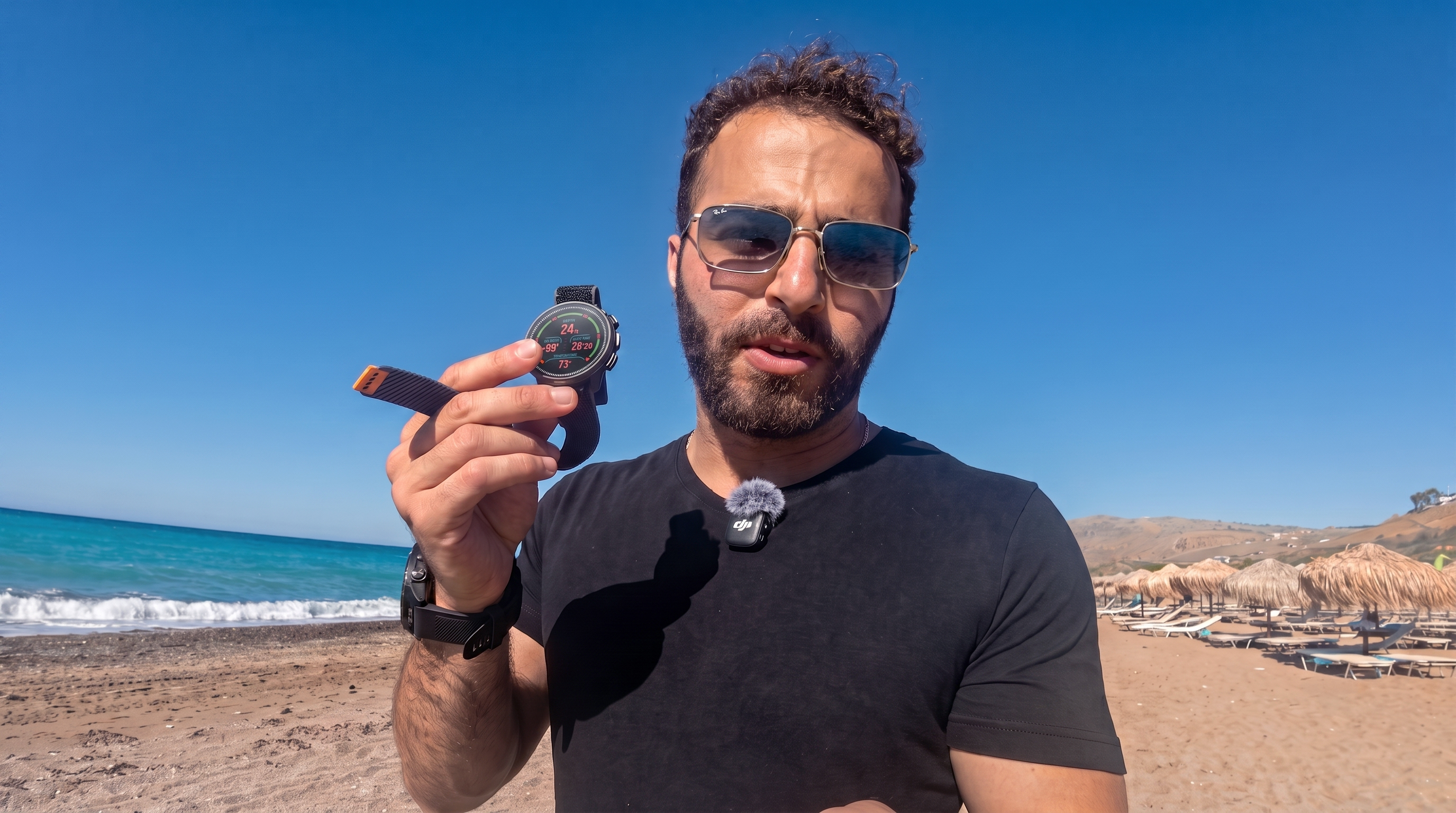
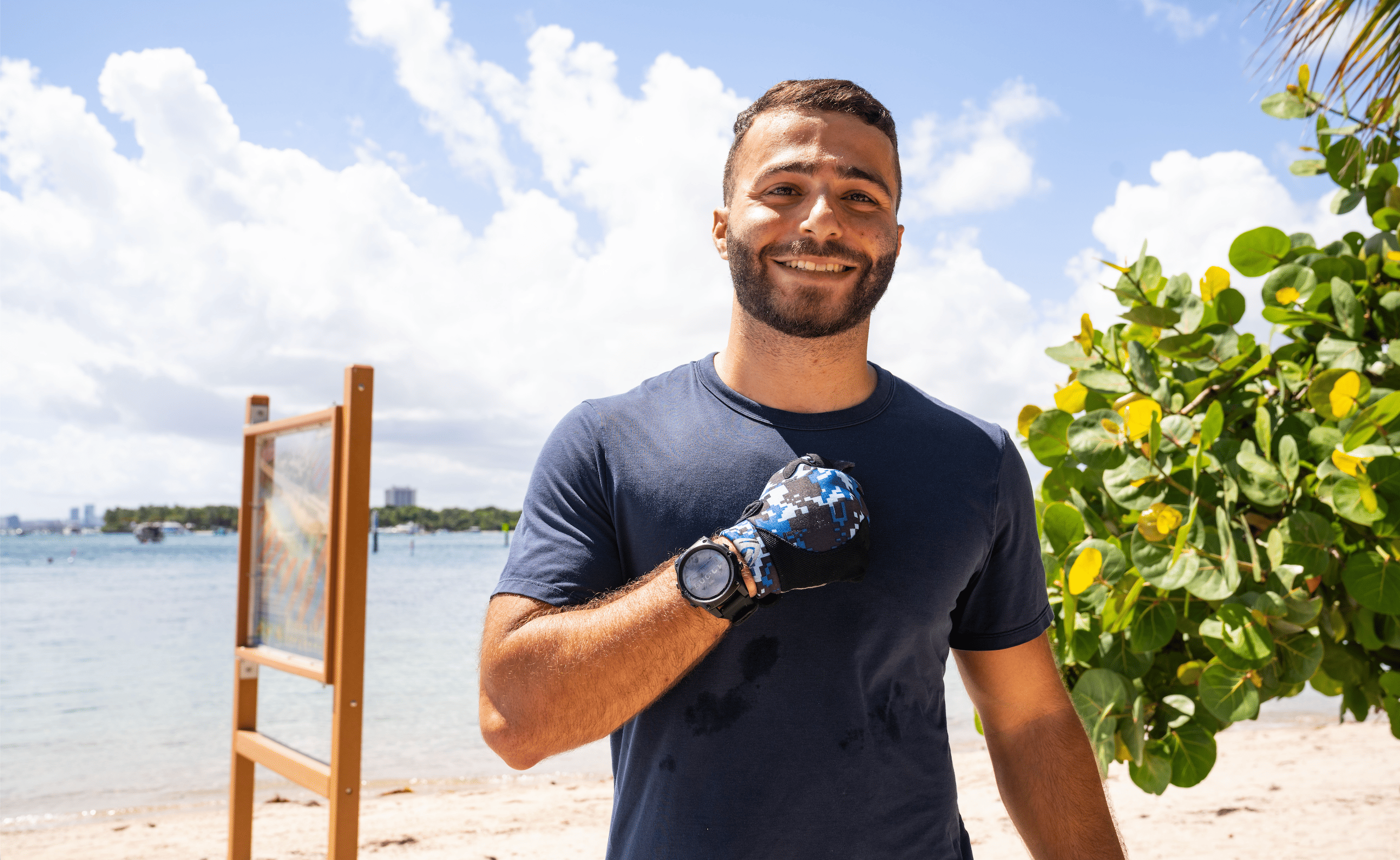
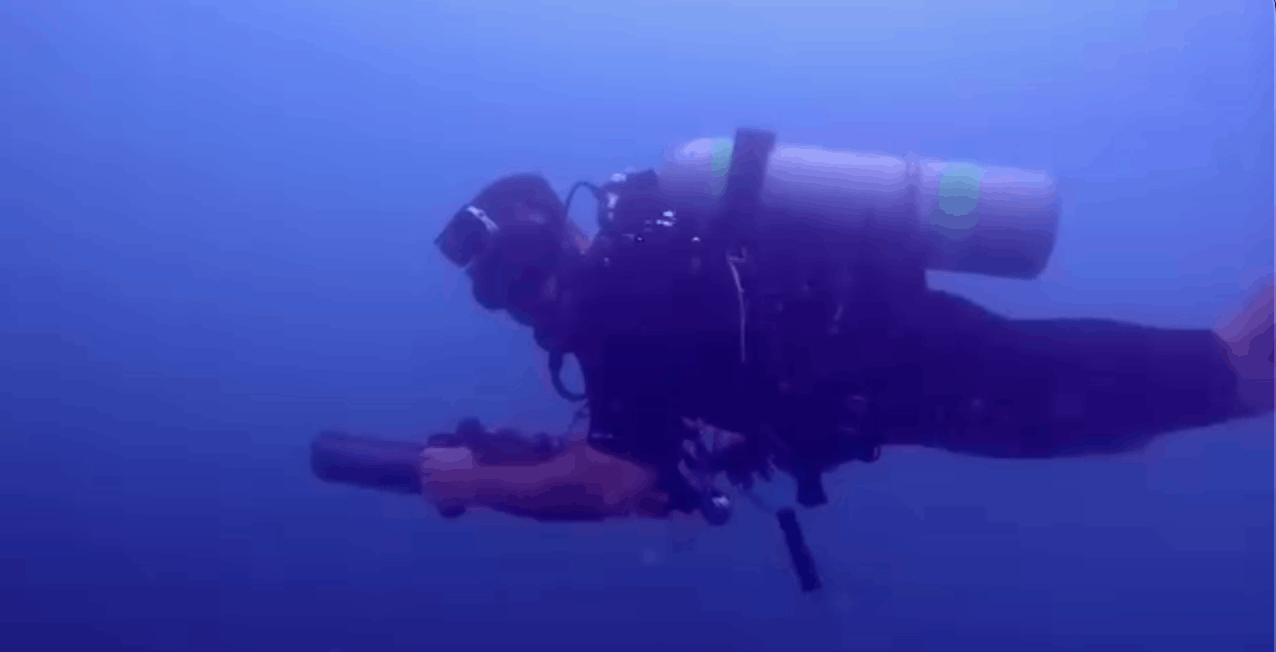
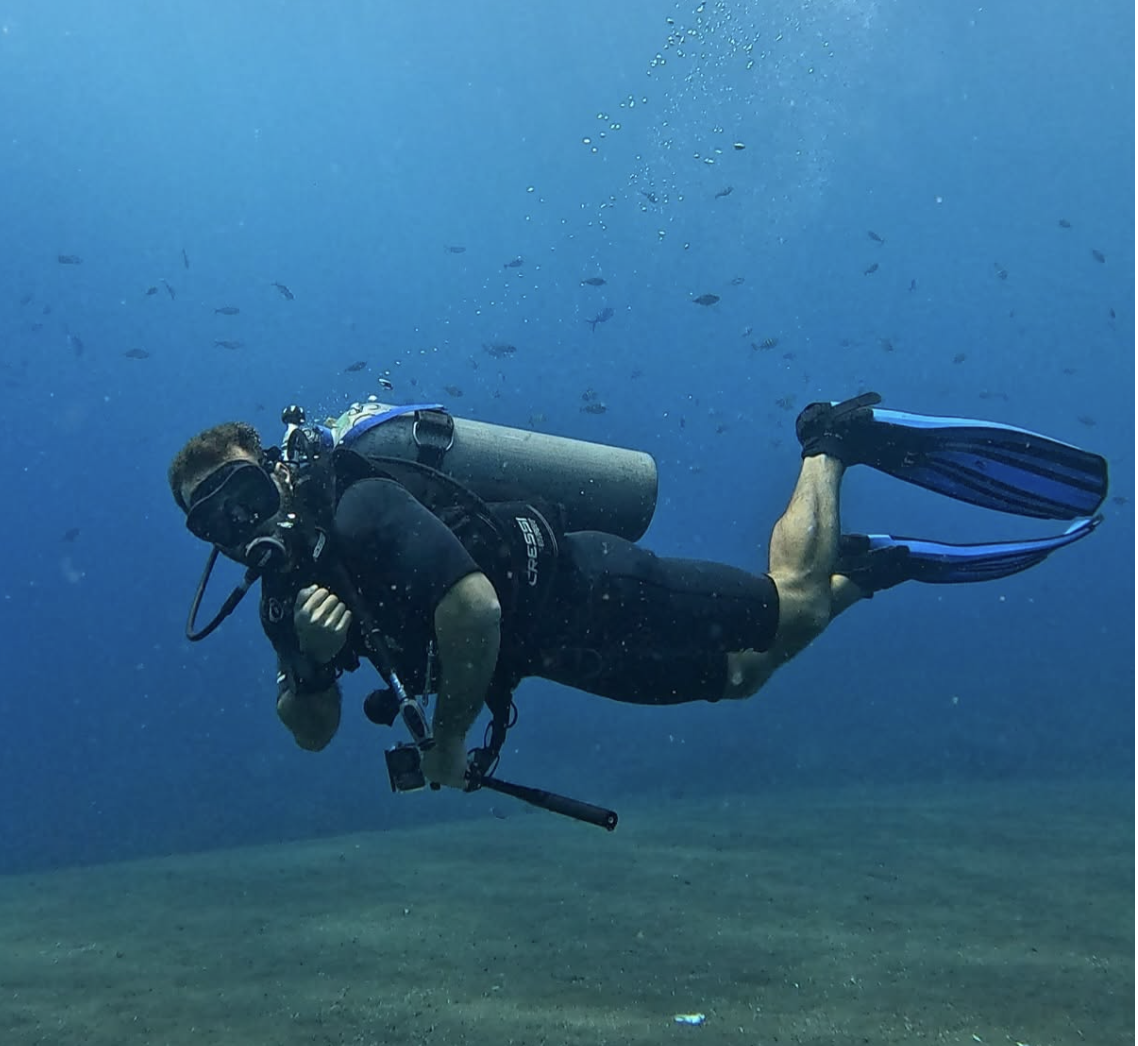
I used the Suunto Nautic S on 25 dives that included my time on a Red Sea liveaboard, and diving in Turkey.
I really enjoyed looking at the displays stunning colors underwater, it's intuitive & clean logbook, and using the digital compass.
It comes at a price that makes the competition look overpriced, especially considering it supports air integration.
The interface and navigation does take some getting used to.
If you're a recreational diver who wants a capable dive computer without paying Garmin or Shearwater prices, the Suunto Nautic S is worth a serious look.
After 25 dives, here's everything I liked about it and a couple of things I didn't.
A Few Disclaimers
Suunto sent me the Nautic S for testing and I get to keep it.
No transmitter pod was included.
No payment was exchanged and no instruction was given on what to say.
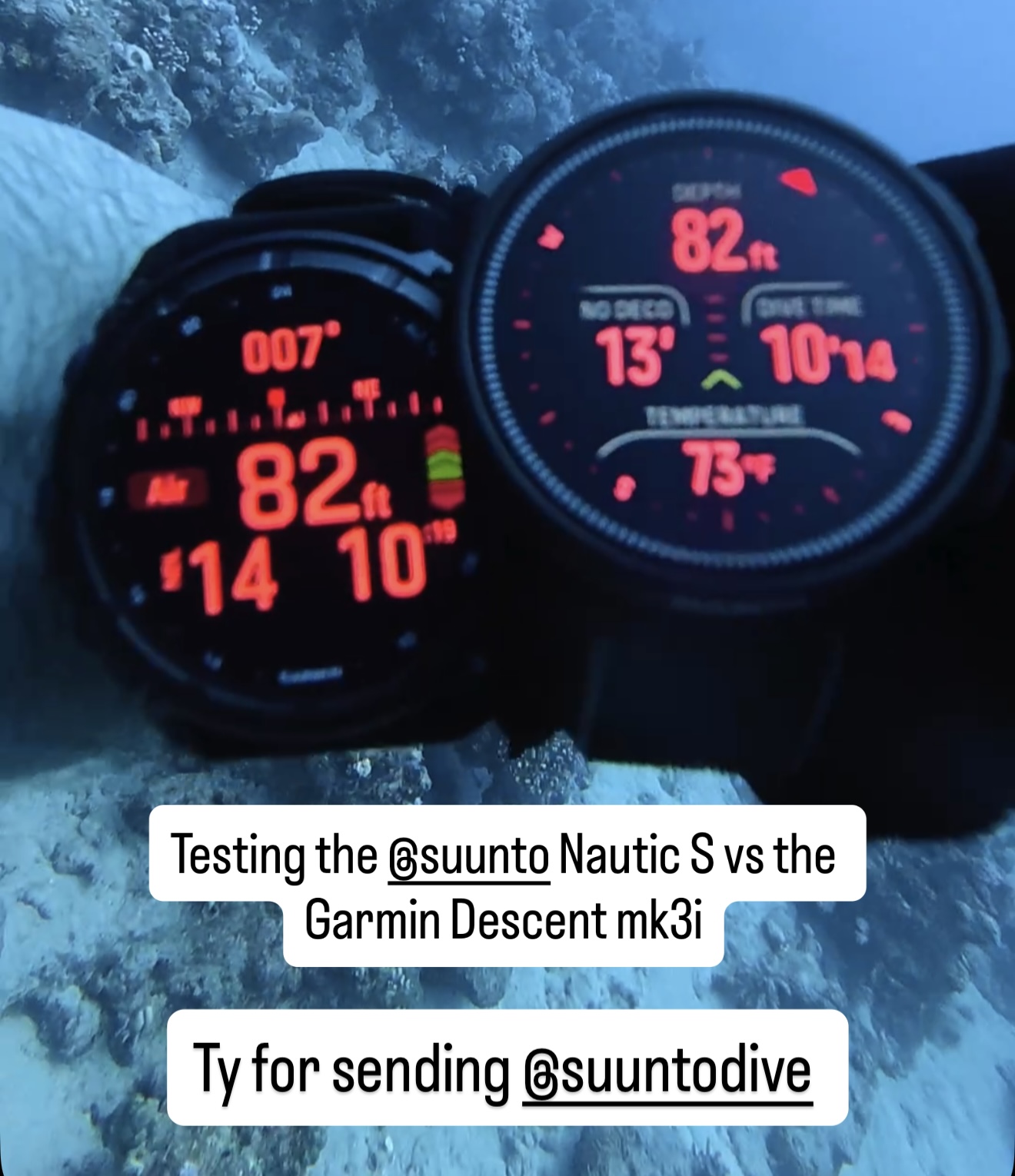
I tested it over 25 dives as a backup computer alongside my Garmin Descent MK3i.
I haven't tested air integration with a transmitter pod or used it as a primary computer for an extended period.
I'll update this review when I do.
Quick Specs
| Display | Color touchscreen |
| Depth Rating | 100m / 330ft |
| Dive Modes | Mermaiding, Freediving, Scuba Diving, Snorkeling, Scuba Diving Multi-Gas |
| Decompression Algorithm | Bühlmann ZHL-16c |
| Gas Support | Air and Nitrox (no helium, recreational only) |
| Air Integration | Yes, pairs wirelessly, hold transmitter close to watch |
| Digital Compass | Yes |
| Weather and Tides | Yes |
| Battery Life | 40-60 hours |
| Charging | Wireless charging pad, powered via USB-C |
| Price | $550 |
How It Performs Underwater
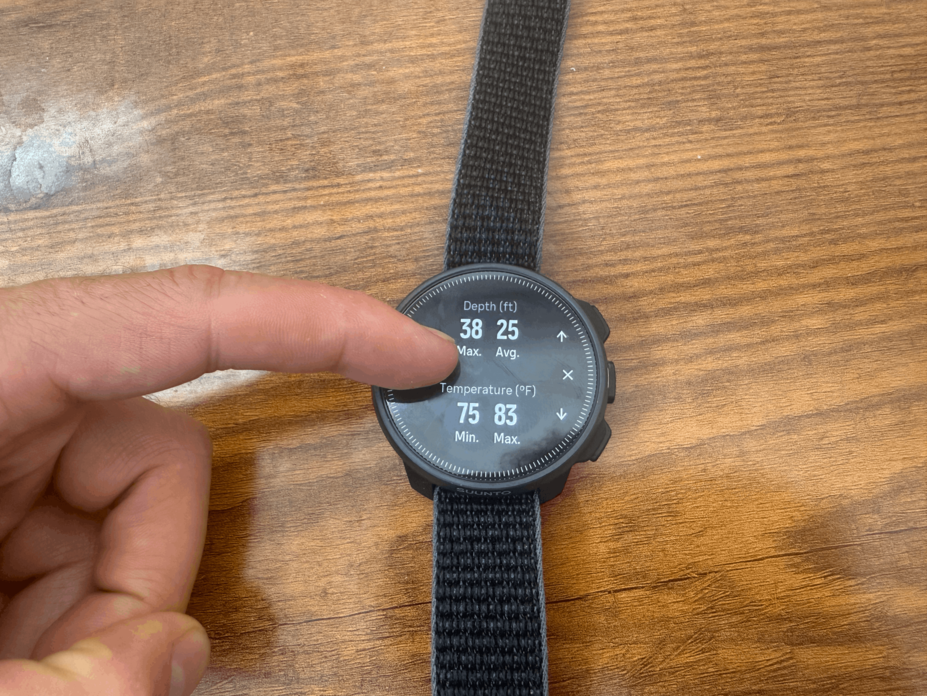
Out of the box, the Suunto Nautic S main screen tracks:
- Depth
- NDLs
- Ascent rate
- Safety stop time
- Dive time
But so does a $300 computer!
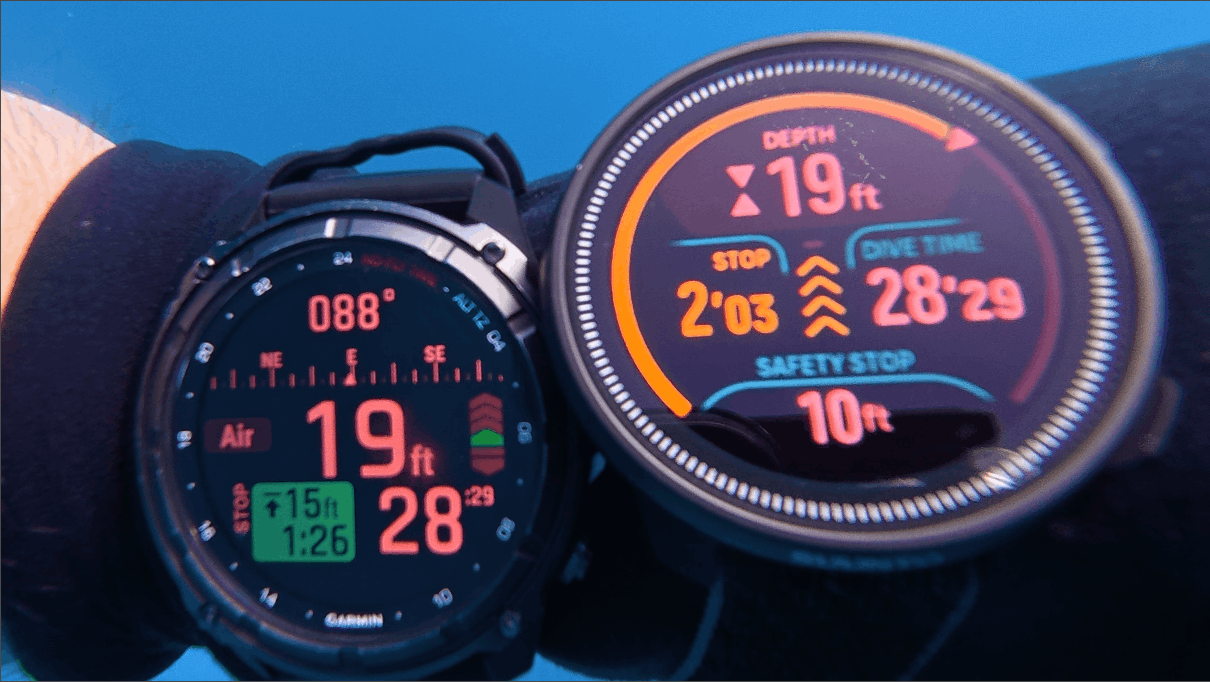
Where it stands out is what you get on top of that: a vivid color display, air integration, a digital compass, and weather and tides all at $550.
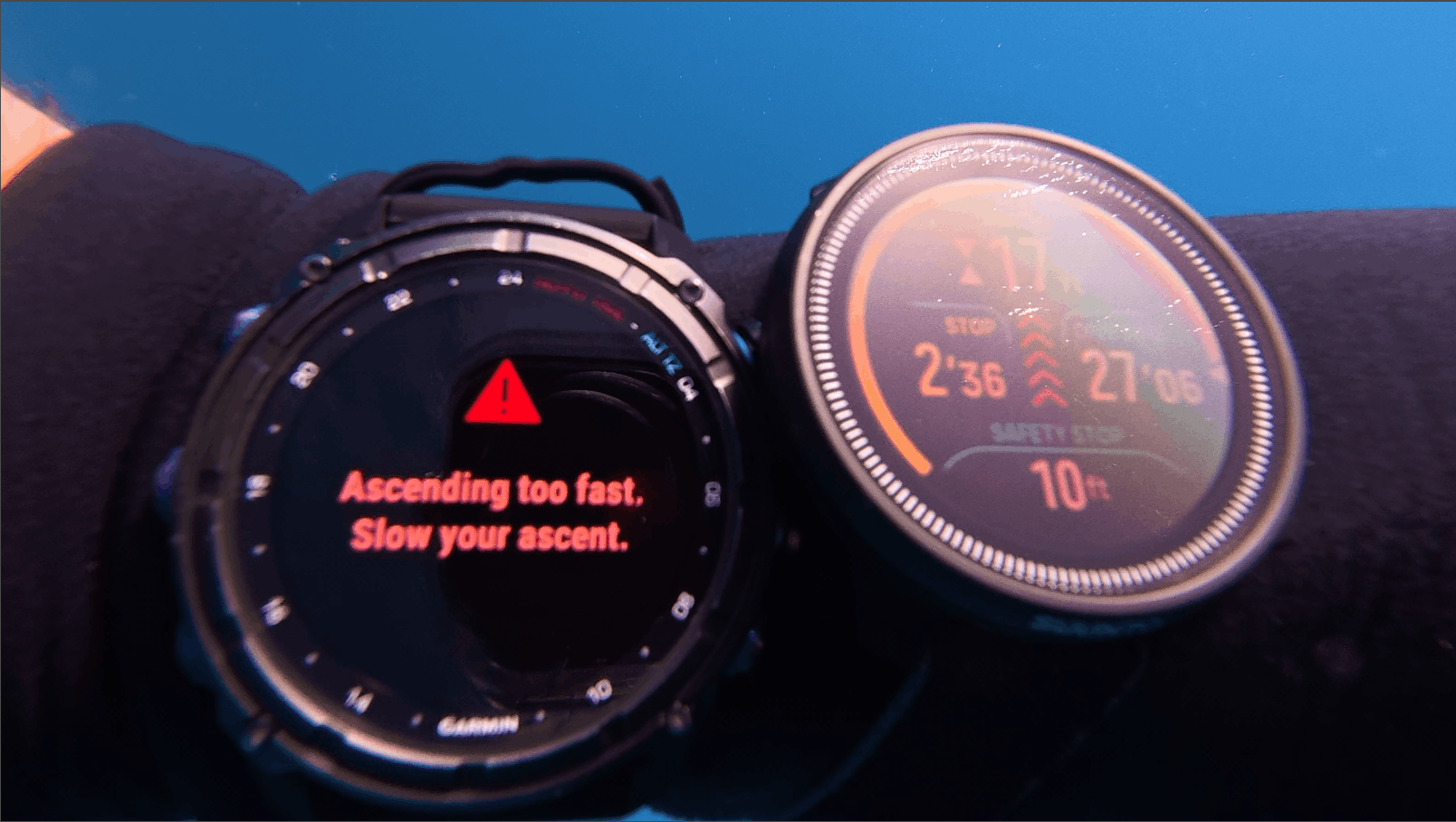
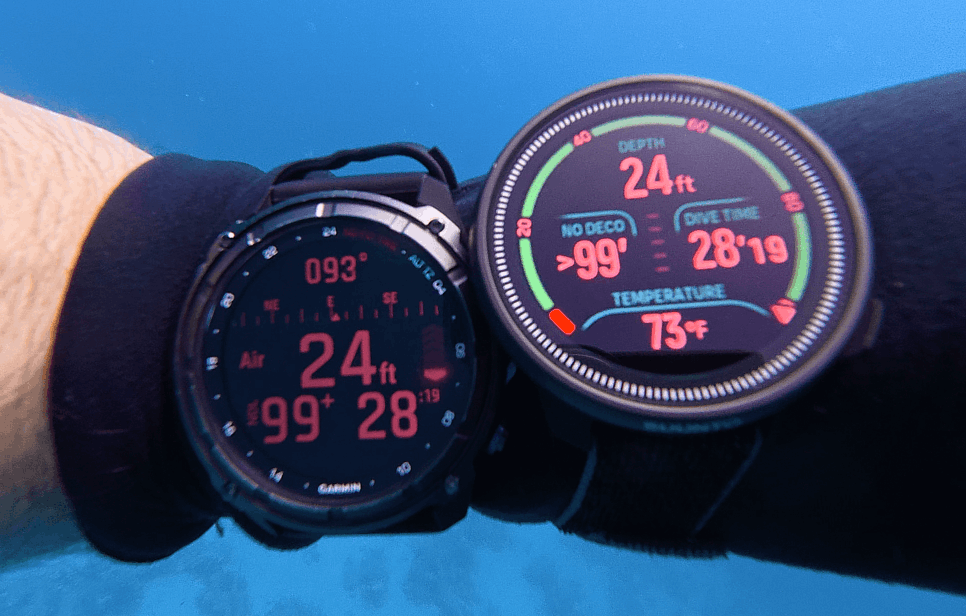
Even though it was a backup computer, I kept wanting to look at it just because the colors pop.
The Nautic S supports wireless air integration.
Note that this isn't something I've tested yet, but according to the website, pairing is simple.
Hold the transmitter close to the watch until it connects.
4 Features I Loved Most
#1: The Look and Color Display
This thing is beautiful. The Nautic S was released alongside the Suunto Nautic, which is a larger wrist style dive computer.
The Nautic S is the smartwatch version and honestly the better-looking of the two in my opinion.
The color screen pops underwater in a way that feels premium.
#2: Air Integration at This Price
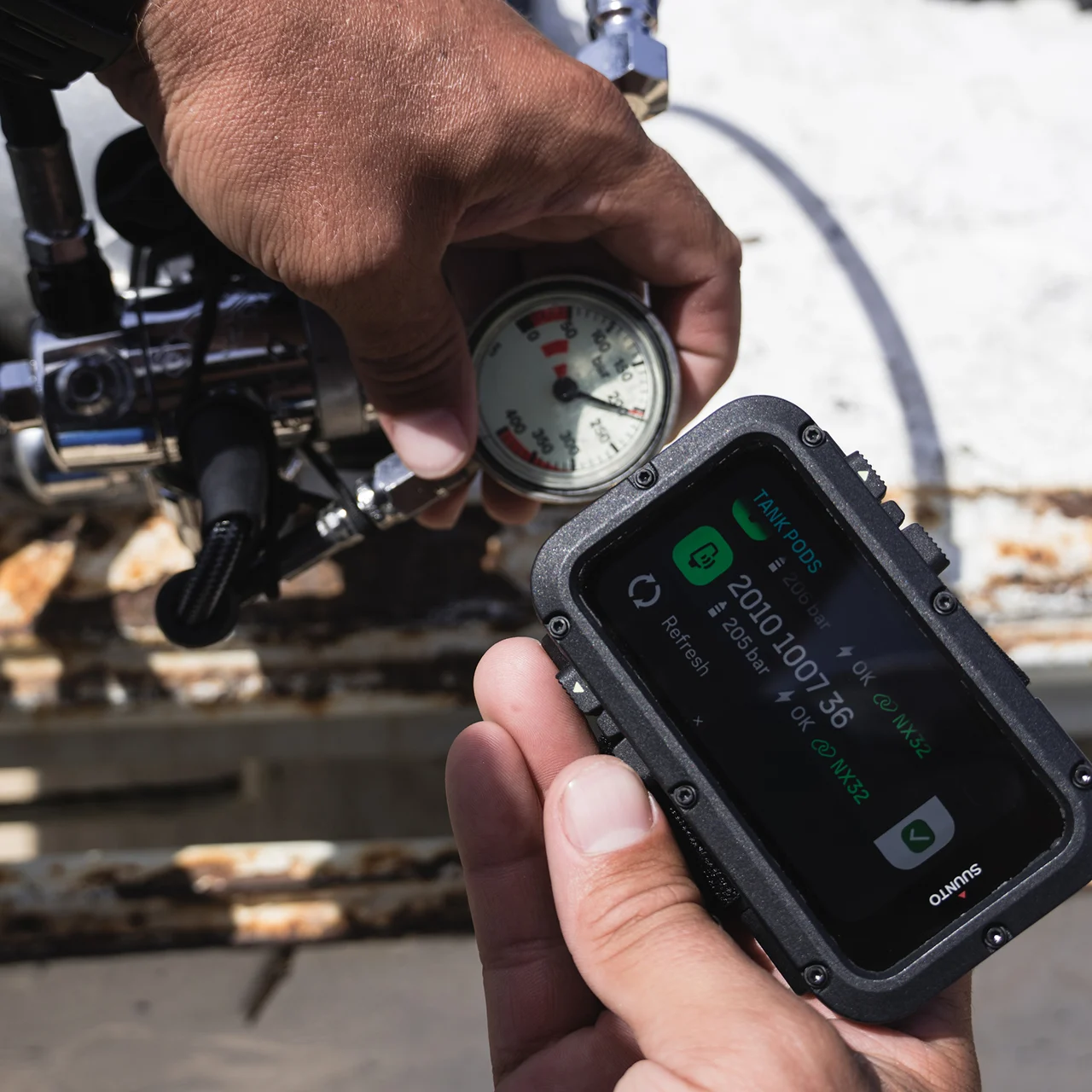
Air integration normally costs you Shearwater or Garmin money ($1k+).
The Nautic S includes it, plus a digital compass, at a price point that makes it realistic as a backup or entry-level primary.
#3: The Underwater Compass
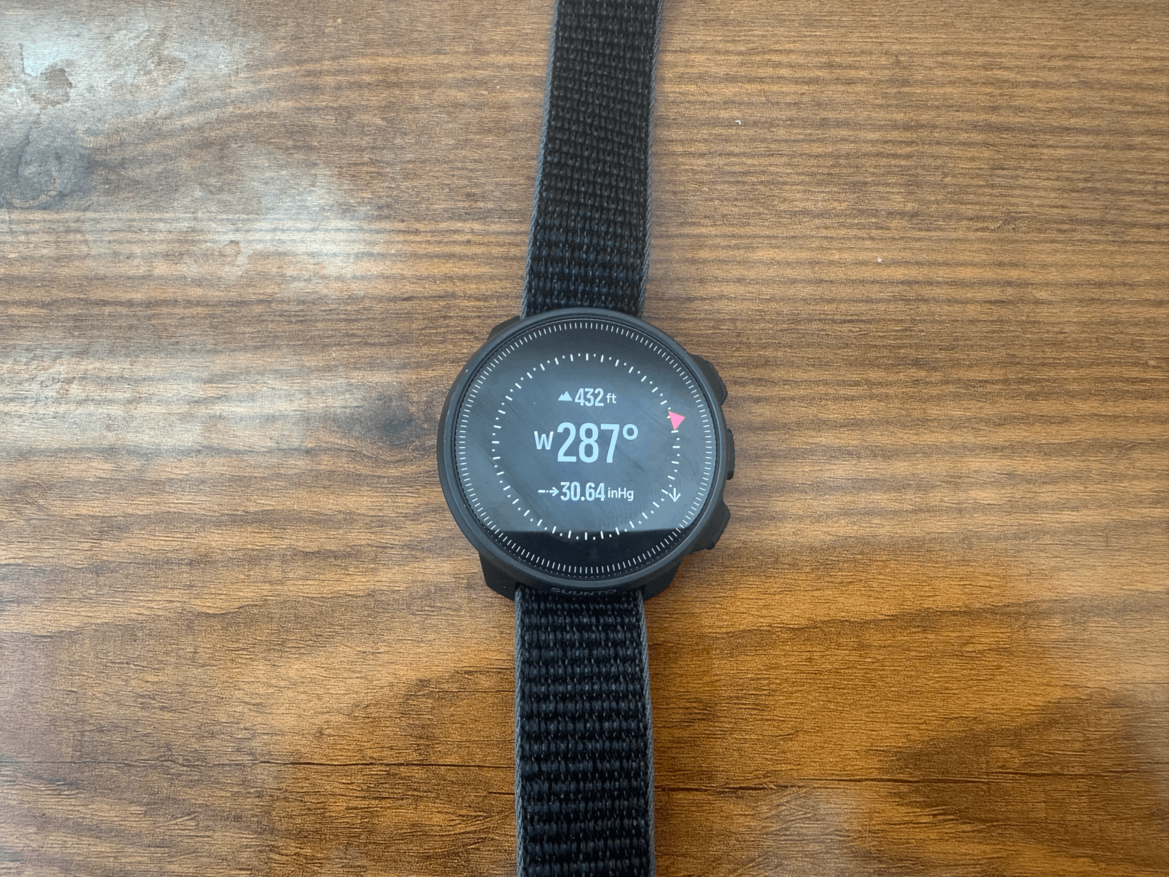
A digital compass built in at this price is not a given. Most computers make you pay up for it, or you'll need an analog compass.
I do a lot of shore diving in Miami on the east coast where heading east takes you out to sea, and heading west brings you back to land.
Knowing that on your wrist underwater without having to peak at the surface is useful.
#4: The Dive Logbook
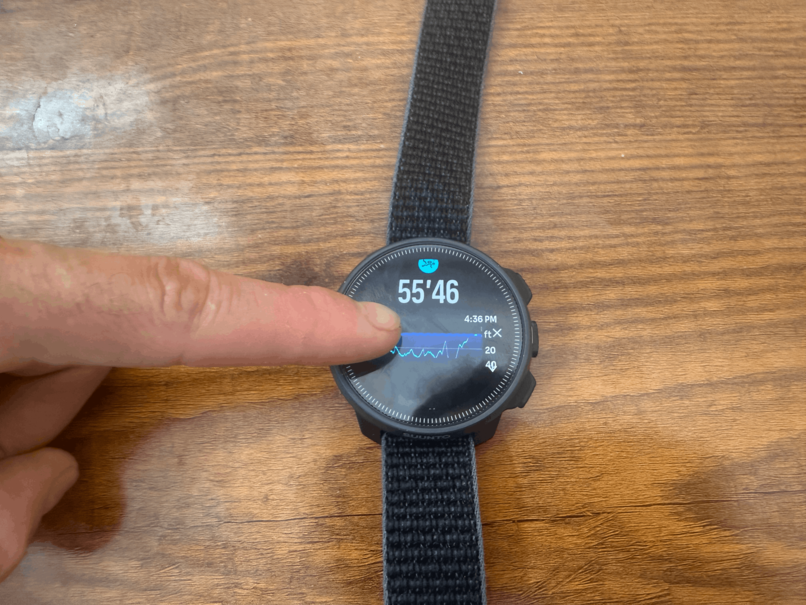
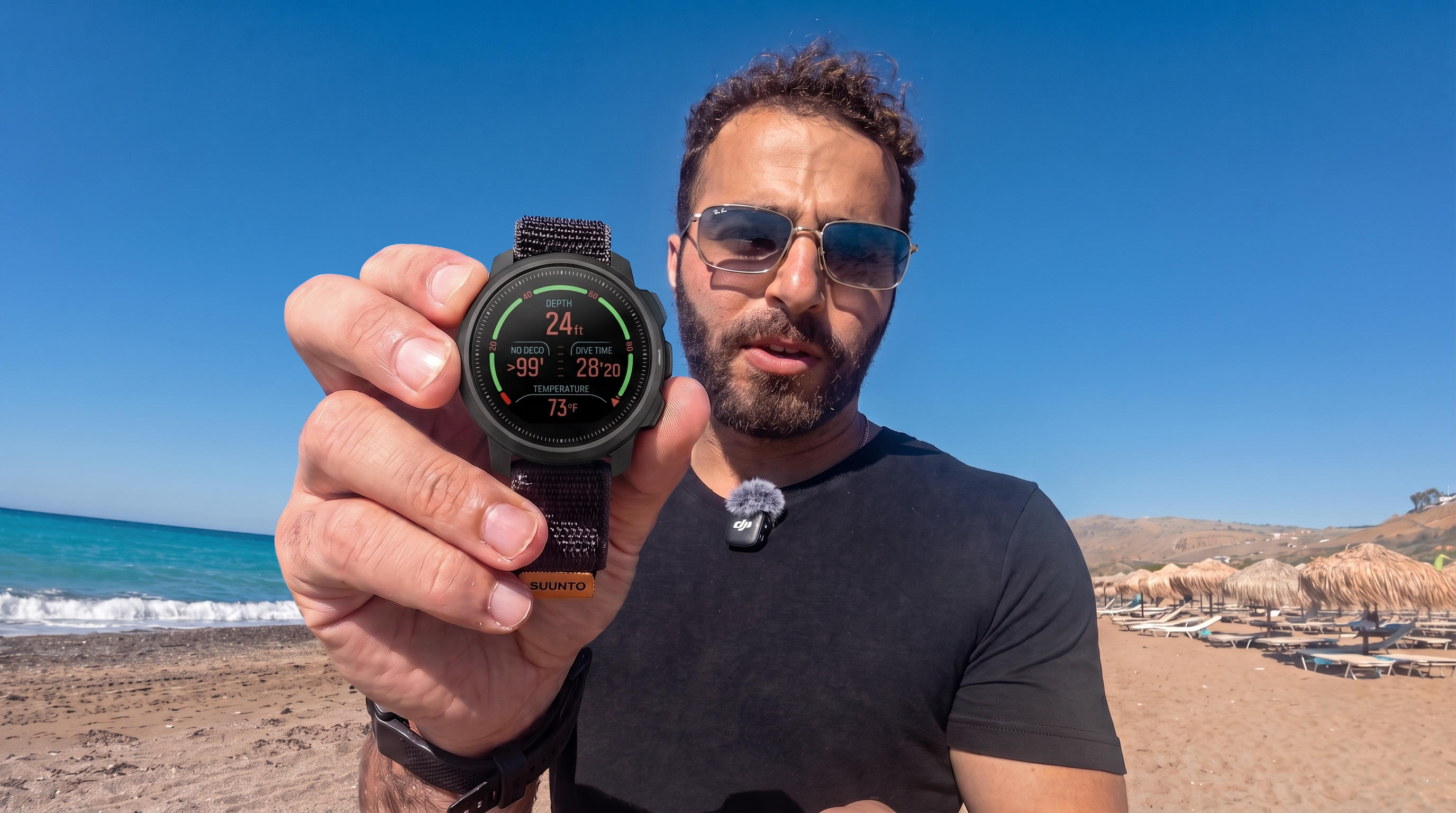
On the watch, each dive logs:
- Duration and entry time
- Depth profile
- Water temperature range
- Gas and tank size (nitrox supported)
- Decompression algorithm used
In the mobile app you get:
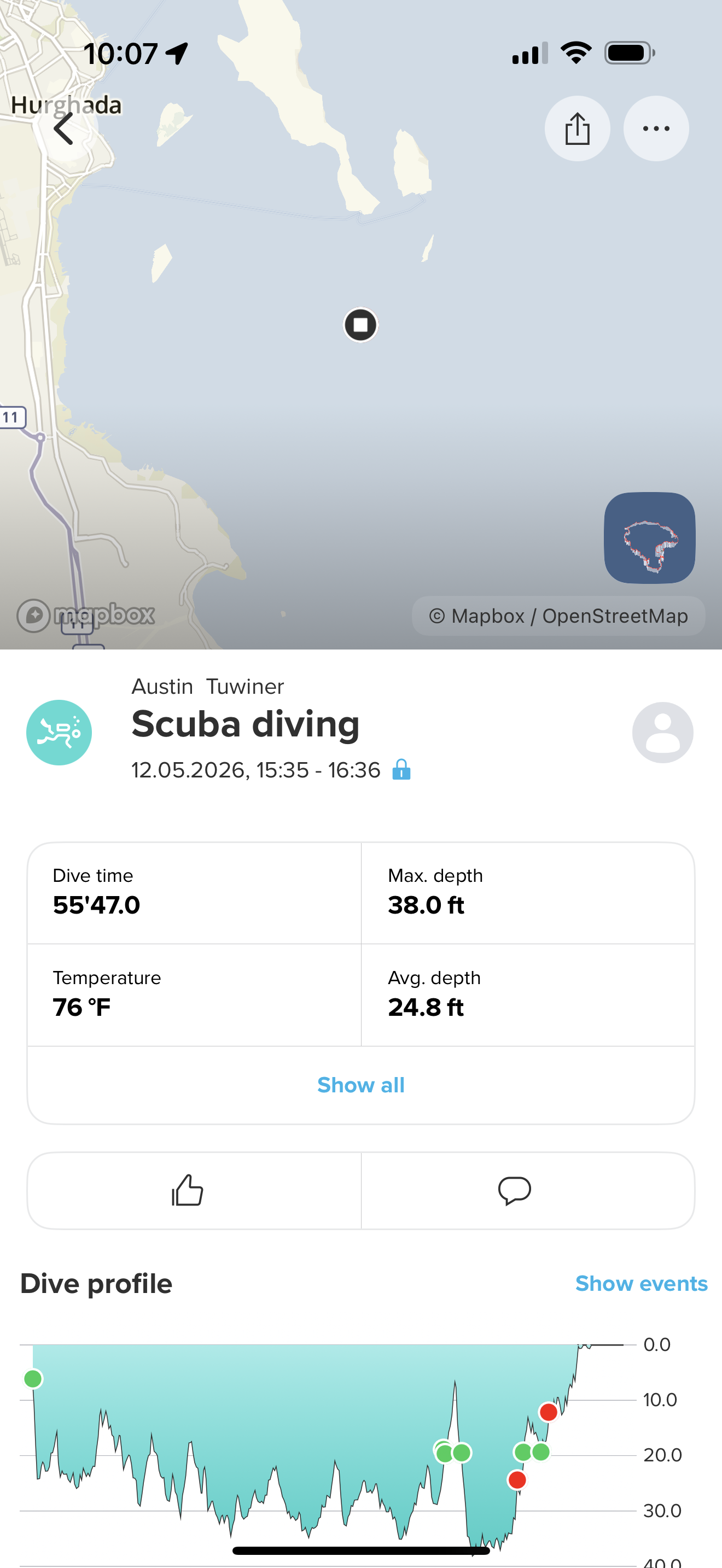
- GPS map of the dive location
- Total dive distance
- Your track through the dive
There's also a social sharing feature where you can overlay dive stats on a photo, but it's not as dynamic as Garmin's feature.
2 Things I Didn't Like
Interface Takes Getting Used To
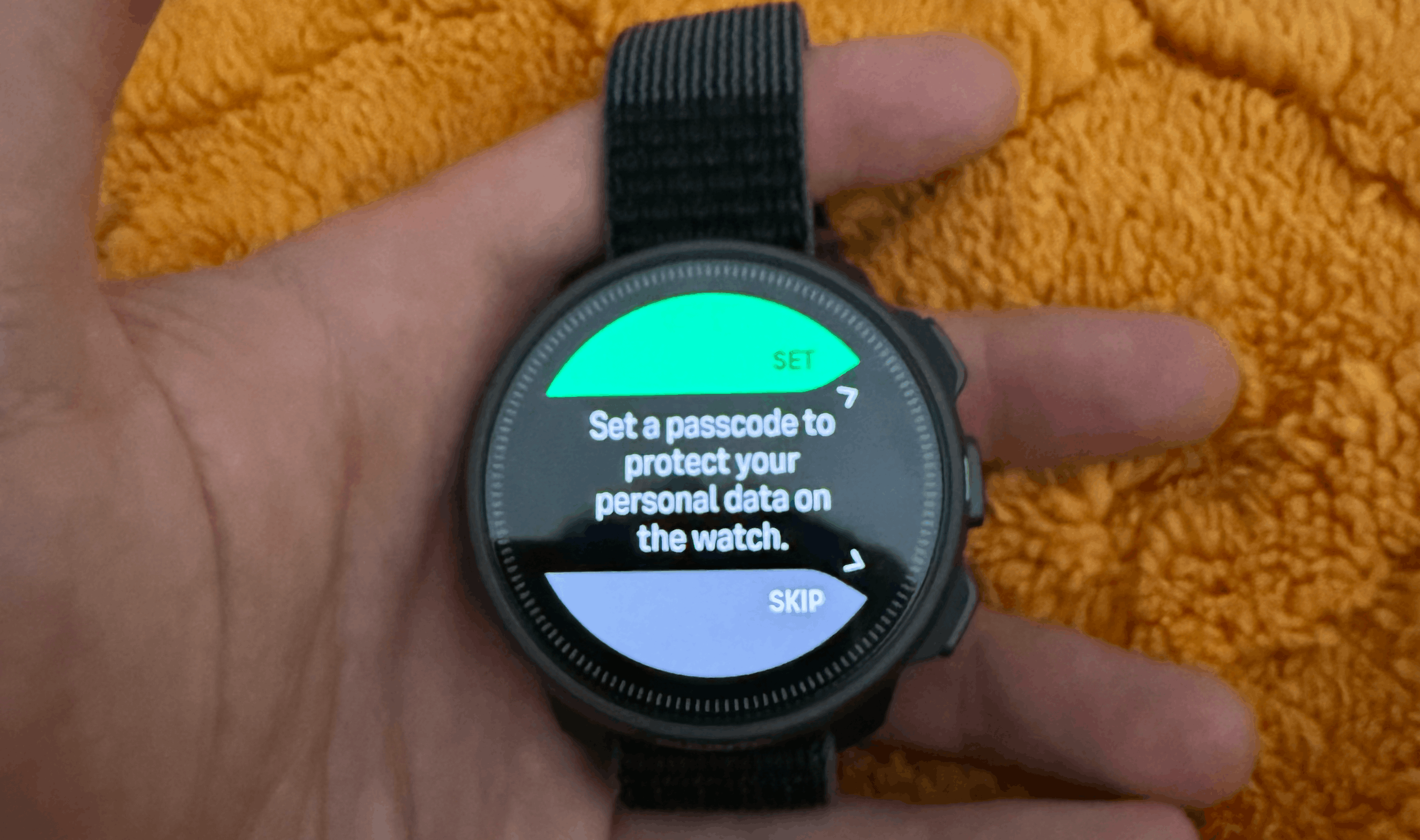
The touchscreen is responsive. That part is good. But the navigation logic isn't intuitive, especially coming from the Garmin.
- Single press on the middle button is Enter.
- Long press goes back.
- The top and bottom buttons cycle through menus.
You can set up shortcuts, which helps. But you want to already know where everything is.
No Above-Water Smartwatch Features
The Nautic S has pretty minimal above water features.
It's supposed to track your steps and sleep, although I never got this working. It also tells you the weather and tides. That's useful. But it's not a smartwatch.
No fitness ecosystem, no deep app integration, nothing that competes with the Garmin above the surface.
Navigation and Controls
.png)
You navigate the device as follows:
- Top button: cycle up
- Middle button (single press): Enter
- Middle button (long press): Back
- Bottom button: cycle down
Touchscreen is responsive and accurate.
The logic behind the menus just needs some time to get used to.
You can set up shortcuts once you know your way around.
Battery and Charging
Suunto claims 40 to 60 hours of continuous dive time and up to 26 days in standby.
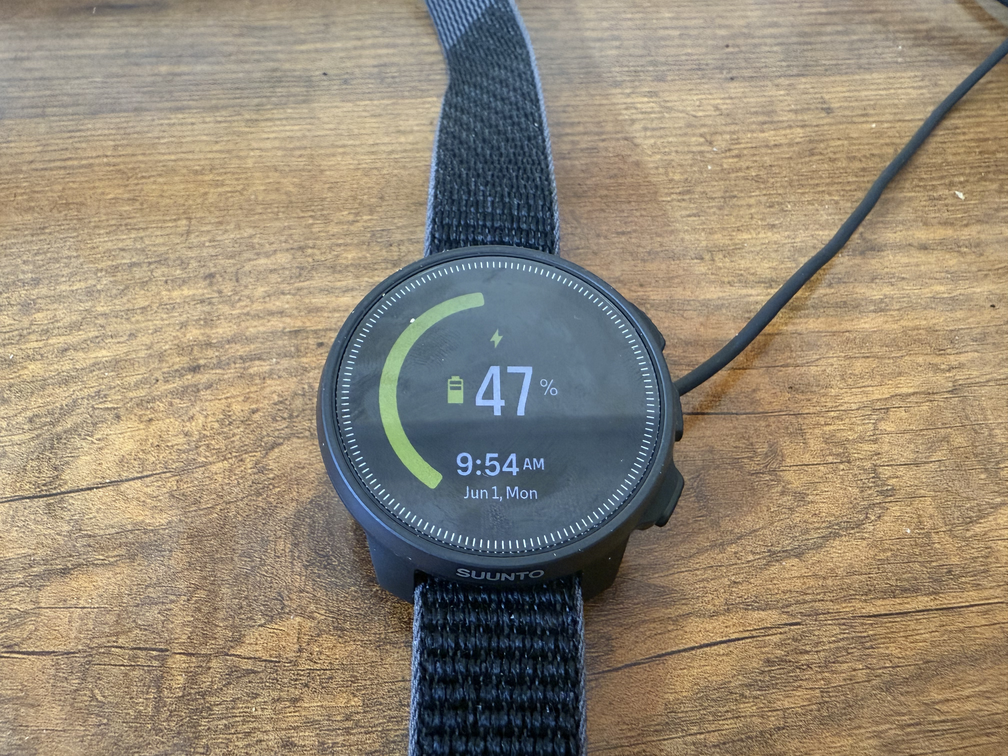
Need more data and use to confirm. It took under 30 minutes to go from 40% to full.
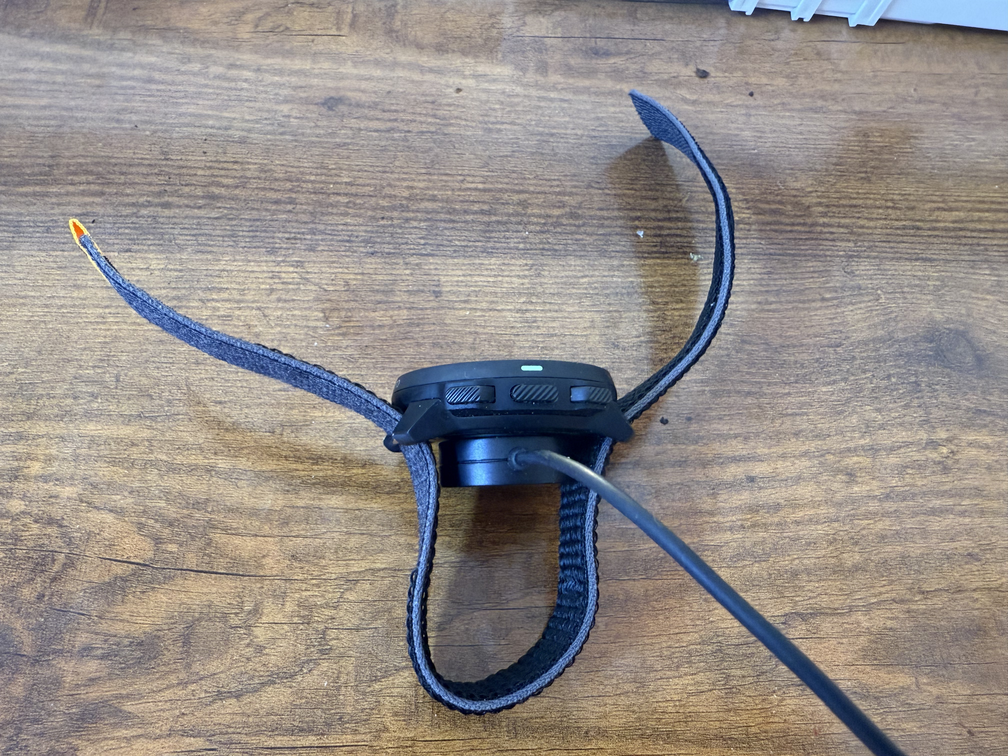
It's also used as my back up which could slightly underestimate battery life.
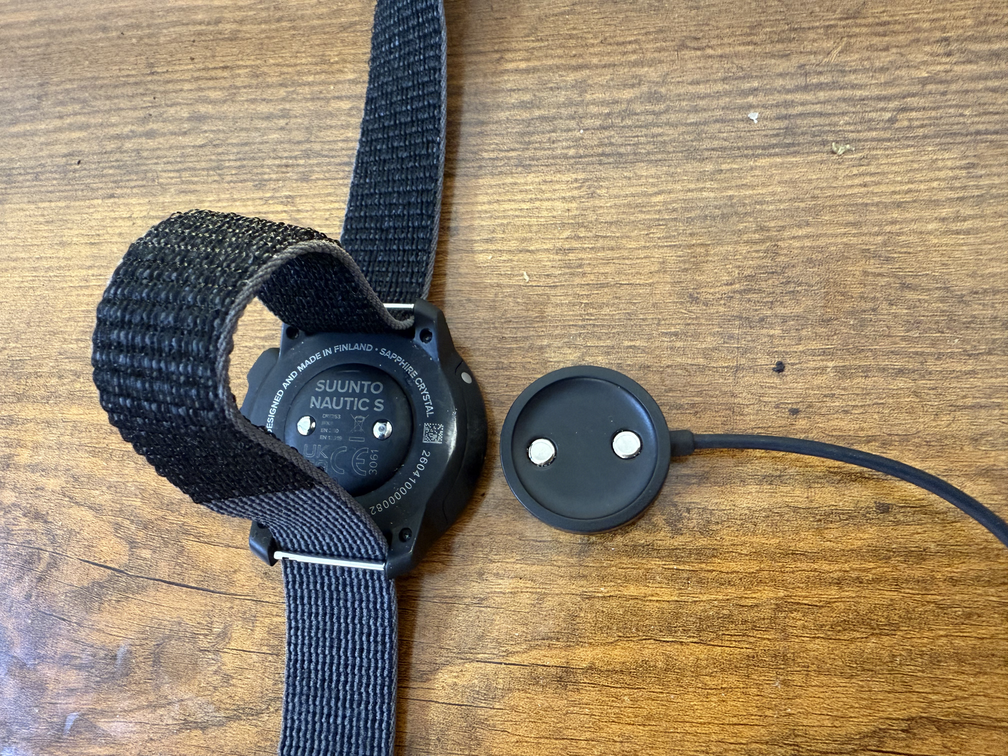
Flashlight
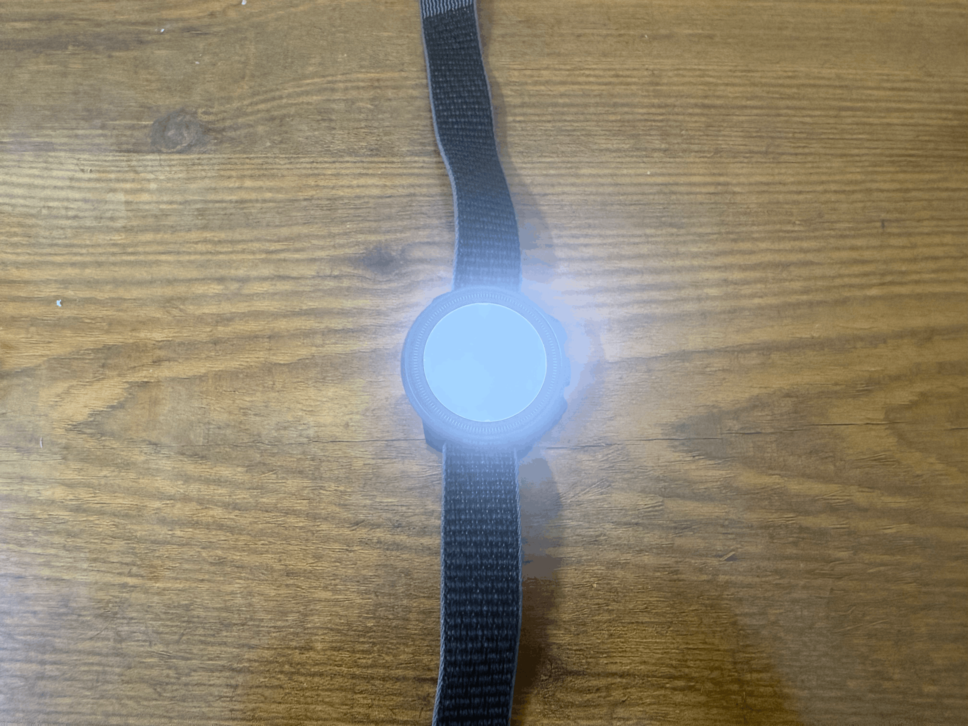
The Suunto Nautic S comes with a flashlight feature. This illuminates the screen rather than a separate flashlight attachment.
I haven't found myself using this, but I could see a scenario when you're trying to go to the bathroom at night or you lose something on the ground in the dark.
Rather than pulling out your phone, you use this instead. It definitely doesn't replace a diving light.
Suunto Nautic S vs. the Competition
The Suunto Ocean is the closest comparison to the Nautic S.
The Ocean adds smartwatch features the Nautic S doesn't have. If you want to stay in the Suunto ecosystem and want that above-water functionality, the Ocean is the upgrade path.
The Nautic S is the better buy if you're happy keeping your smartwatch separate.
Suunto Nautic S vs. Garmin Descent MK3i
The Garmin wins on above-water features, interface familiarity, and ecosystem depth. The Nautic S wins on price, and it's not close. For dive-specific performance, they're much closer than the price gap suggests.
Suunto Nautic S vs. Shearwater Teric
The Shearwater is the more refined pure dive computer, with helium support for technical divers and a more polished interface. But it costs significantly more. The Nautic S undercuts it on price while covering the basics well for any recreational diver.
Conclusion

On the 25 dives with the Nautic S on my backup wrist and I came away impressed for the price. It's good-looking, the display is great underwater, the logbook is useful, and air integration with a digital compass at this cost is genuinely hard to argue against.
It's not replacing the Garmin for me. The interface needs work and there's nothing above water that pulls me away from the Descent MK3i ecosystem.
Buy it if: you want recreational dive features like air integration, digital compass, solid logbook, five dive modes without paying Garmin or Shearwater prices. A very capable diving computer.
Skip it if: you need helium support for technical diving, or want a device that has more smartwatch capabilities on the surface.
Let's Dive Together
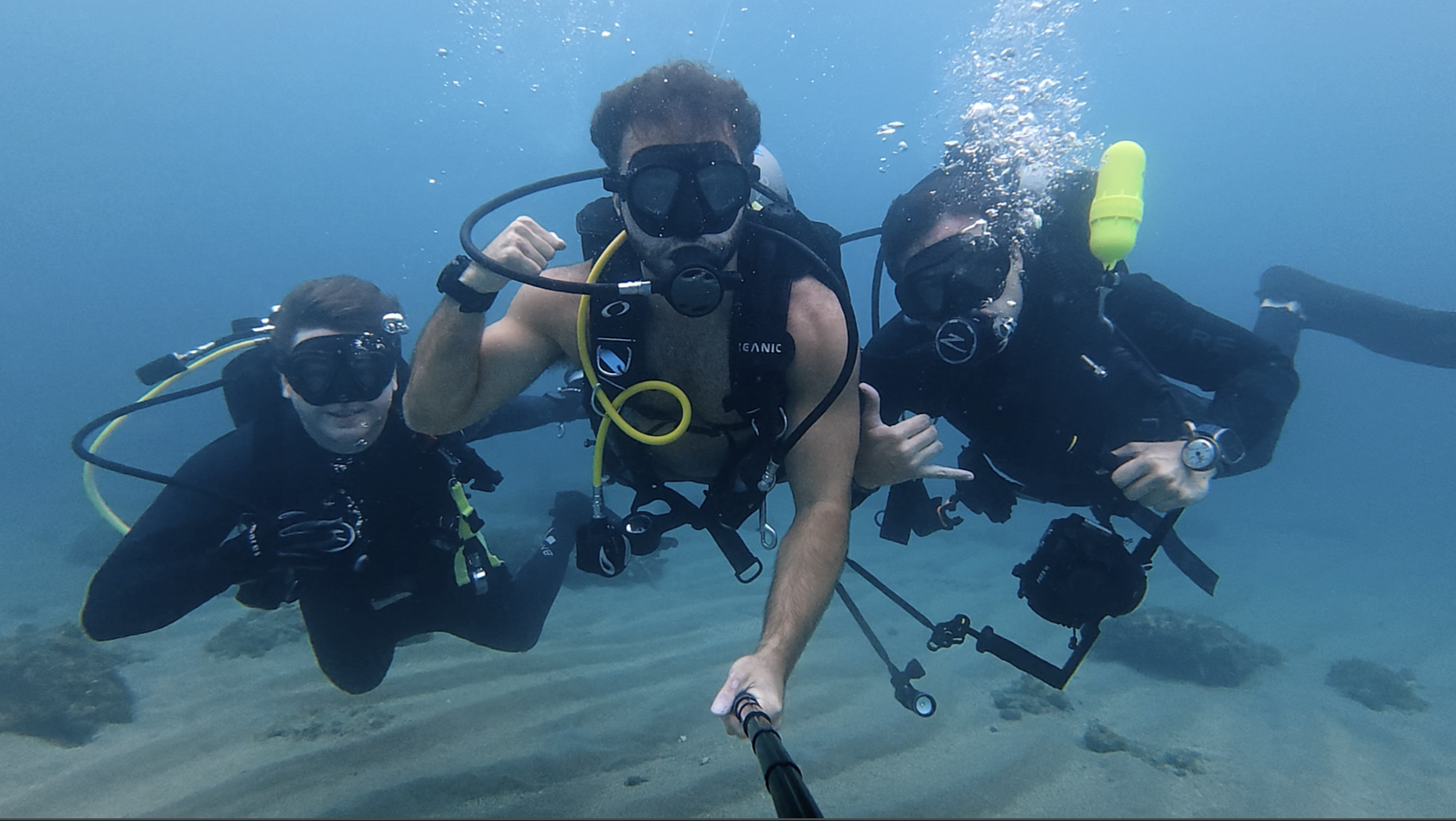
👋 It's Divemaster Austin
I'm inviting you to Dive Club, my global scuba diving community.
What you’ll find inside:
🤿 Dive meetups & group trips
🌍 Top dive sites shared by community members
⚙️ Gear tips & technique discussions
🤝 Diver's who’ve already linked up IRL
See you there!
Join my scuba diving community.
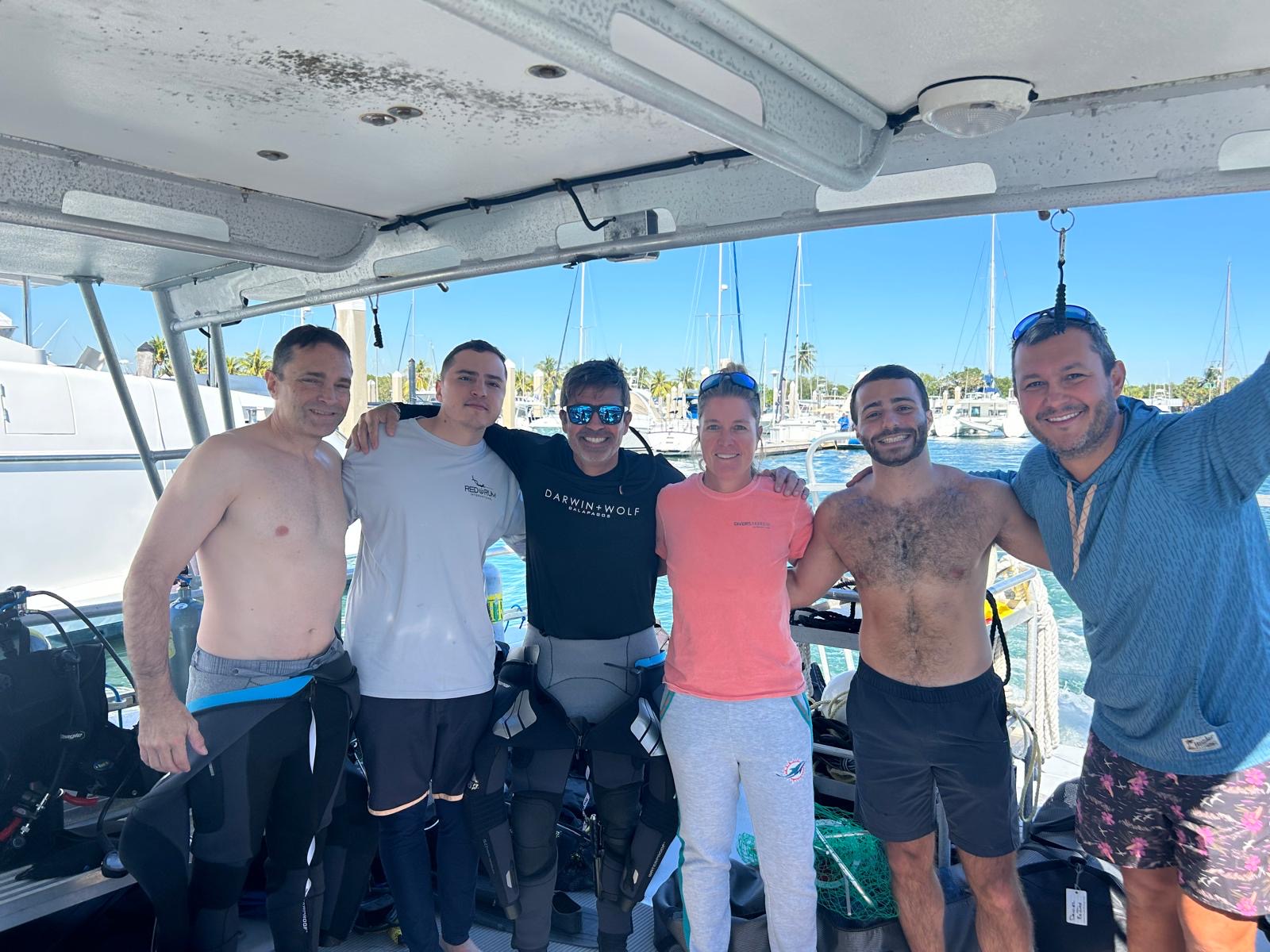
I'm Austin, a PADI Divemaster with over a decade of diving experience under my belt.
I created a free scuba diving community, where divers can connect, learn, and share their dives.
See you inside!
Join my Diving Community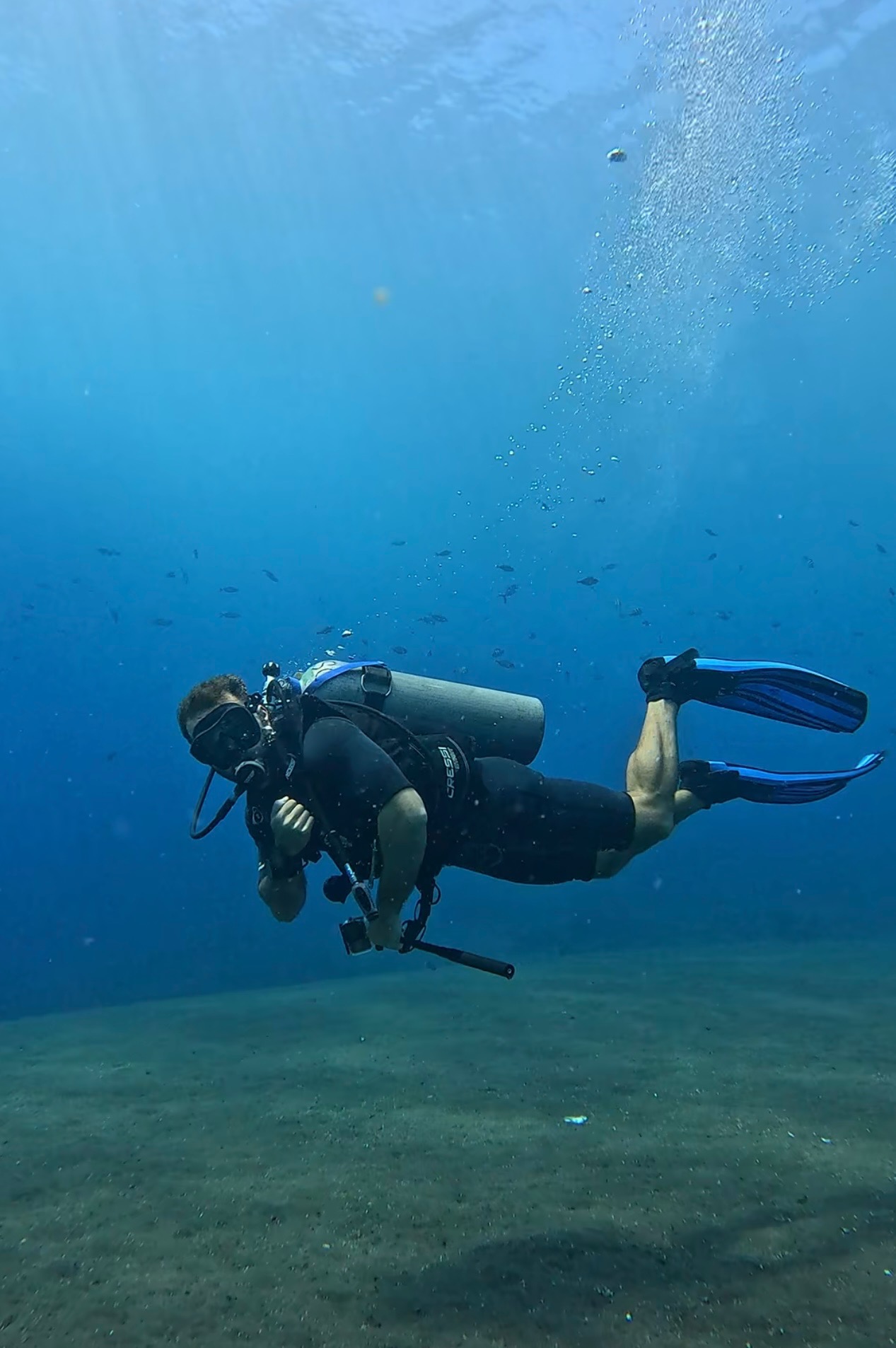

.webp)
.webp)


.png)